Work, Invita, Jul 2026 – present
Live, In active development
Case study
One link, every detail, one RSVP button
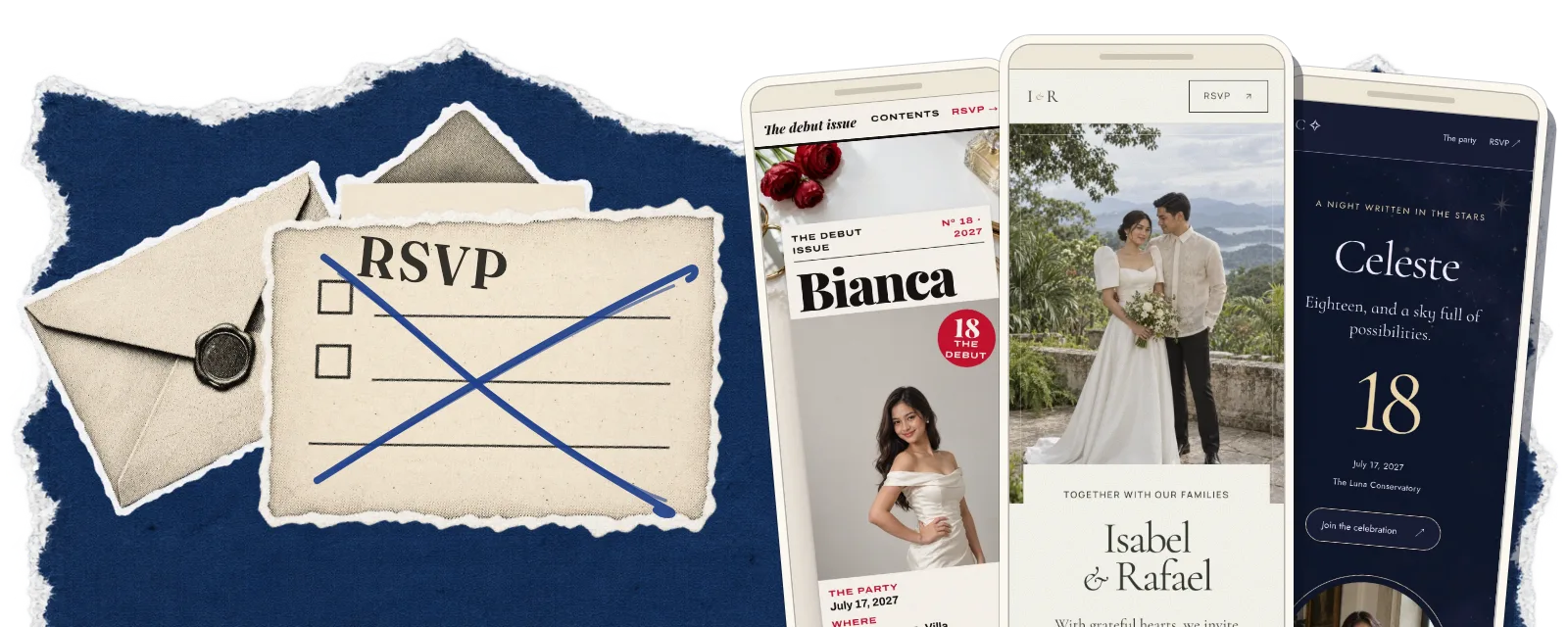
Paper invitations get lost, and guests still ask the host what time, where and what to wear. I designed and built Invita: mobile-first invitations where one link holds every detail, and guests RSVP without signing in.
- Product
- Invita, my own product
- Type
- Digital invitations, mobile-first
- Role
- Solo, from the first sketch to production
- Timeline
- Jul 2026 – present
- Scope
- Product and theme design, full-stack build, cloud, photo pipeline, RSVP, host panel
- Stack
- Next.js, TypeScript, Firebase, Cloudflare R2, Vercel; GSAP on the sample invitations
- Internals
- Server-rendered guest pages, Firestore behind server routes, Cloudflare R2 photo storage, Vercel
- Status
- Live, In active development
- Challenge
- Paper invitations are printed and delivered one by one, nobody knows whether they arrived, and they can’t hold everything a guest needs to know. So guests keep asking, and the host counts RSVPs by hand.
- Approach
- A mobile-first page per event that answers the questions and takes the replies. I built it for my daughter’s birthday, then grew it into a platform of designed themes.
- Outcome
- About 80 guests, 30+ RSVPs, and the follow-up questions stopped. Today: 11 themes, 33 palettes, RSVP without sign-in, and sample invitations that show their opening image in under a second on desktop (note 1).
Note 1: Sample invitations, Lighthouse desktop emulation: opening image in 0.6–0.9 s, score 99–100. On an emulated mid-range phone over slow 4G: first content within about 2½ s, opening image in roughly 2½–5½ s depending on theme, no measurable layout shift.
The trouble with paper
A paper invitation is a lot of work before anyone reads it. It has to be designed, printed, addressed, then handed out or mailed, one guest at a time. Then the worrying starts: did it arrive, did it get lost, did it get damaged on the way?
And a card holds only so much. So the questions come anyway: what time, where, what to wear, what to bring. Replies come back by text, by call or in passing, and the host keeps count by hand.
A: On paper, and with Invita
| Topic | On paper | With Invita |
|---|---|---|
| Sending | On paperPrinted, addressed, then handed out or mailed, one by one | With InvitaOne link, copied or shared |
| Arrival | On paperNo way to know it arrived | With InvitaNothing to lose or damage on the way |
| Details | On paperOnly what fits on a card | With InvitaEvery detail, from the program to the dress code |
| Questions | On paperThe same questions, from guest after guest | With InvitaAnswered on the invitation, before anyone asks |
| Replies | On paperBy text, by call or in passing | With InvitaOne RSVP button, with a deadline |
| Counting | On paperKept by hand | With InvitaThe headcount, dietary needs and notes in the host panel |
| Changes | On paperA reprint, or another round of messages | With InvitaRepublish: the same link, every RSVP kept |
My daughter’s birthday
The idea goes back to SDGKU in 2023, as one of my capstone ideas. It came back to me while I was planning a big birthday party for my daughter. Tracking RSVPs by hand was something I wasn’t willing to do, so I built her a digital invitation.
There was one link for the whole party. The replies came back through it, and the follow-up questions stopped.
Guests loved it, and said it was nothing like the invitations they usually get.
“I didn’t have to worry about ‘did this person receive their invitation?’”
The party
- About 80guests, one shared link
- 30+RSVPs through one button
From one invitation to a platform
That invitation was a one-off, made for one party, and the platform grew from it. Both carry the name Invita, after a foreign word for a gathering.
A host picks one of 11 designed themes, five for weddings and six for debuts, the 18th-birthday celebration. Each theme has three palettes, and three artworks for each palette. The host adds the details and photos, then publishes one link.
I put the polish where guests look: every invitation should feel like a designed piece, not a form. The host panel stays plain, with only what a host needs.
B: Twelve sections, three themes
Every Invita theme reads the same twelve section types, and each brings its own layout, fonts and art. Switch themes and palettes, or show, hide and reorder sections.
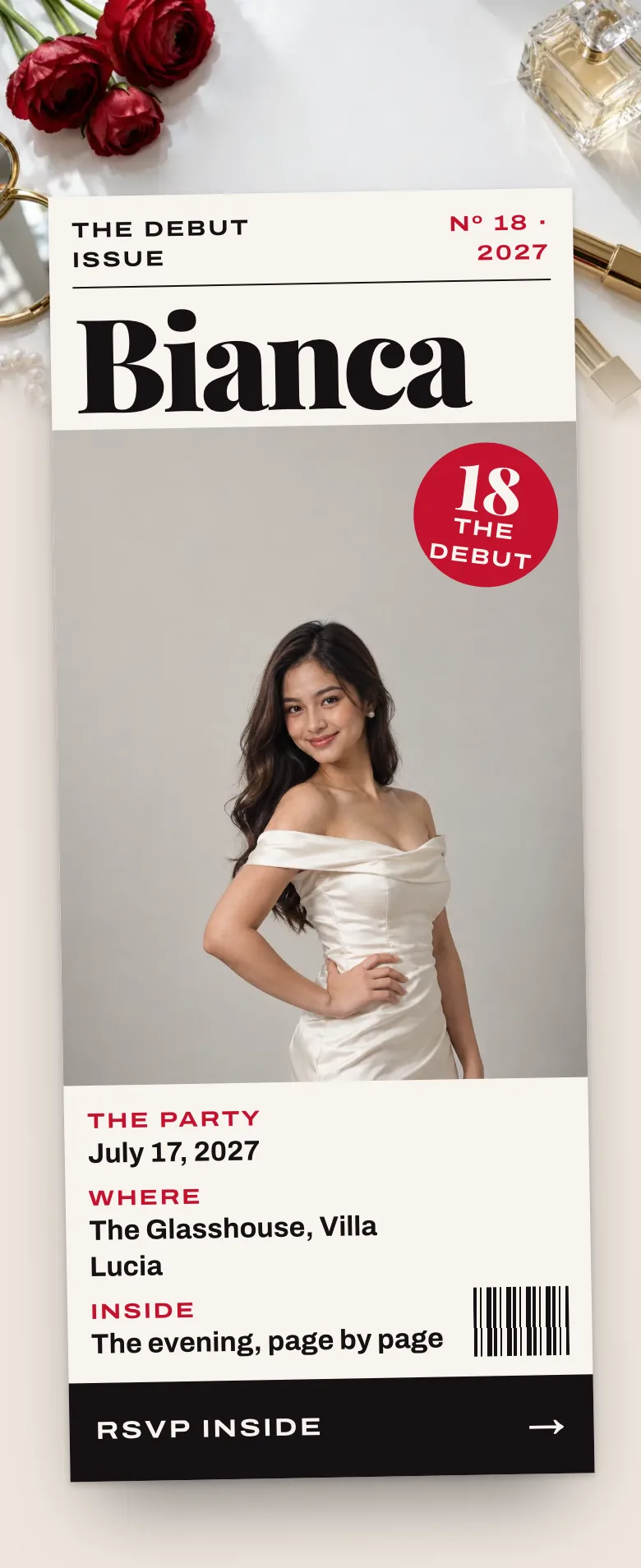
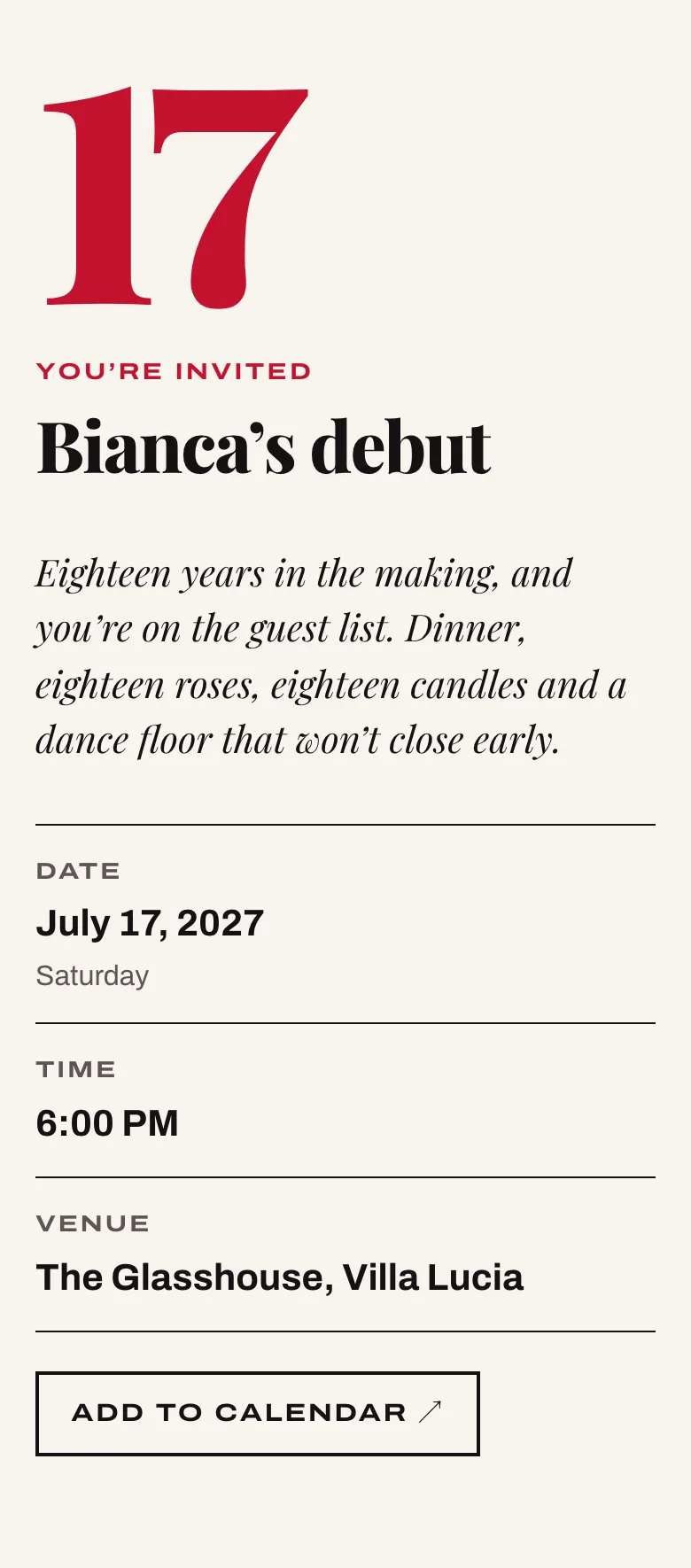
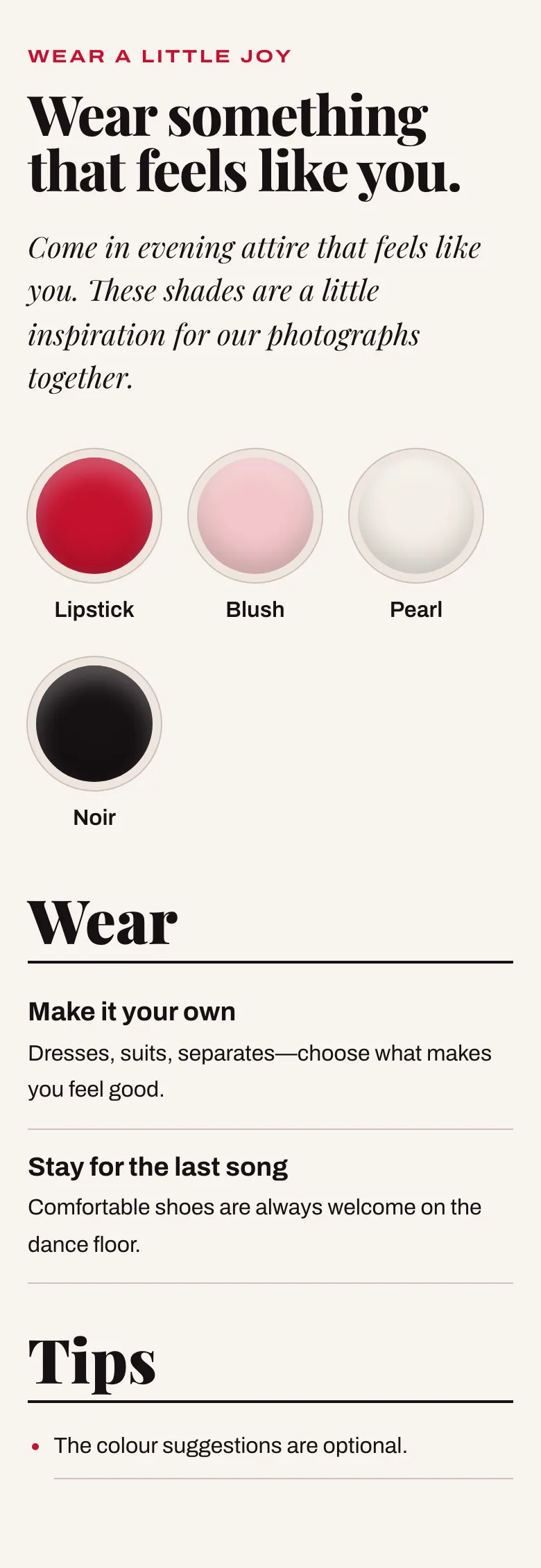
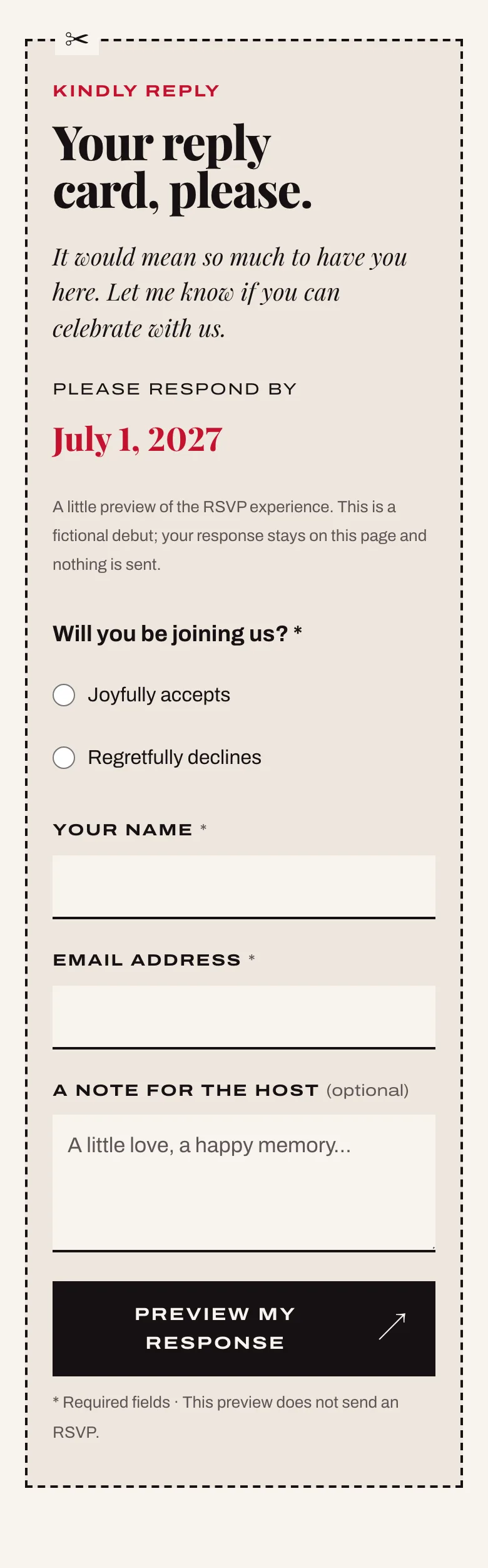
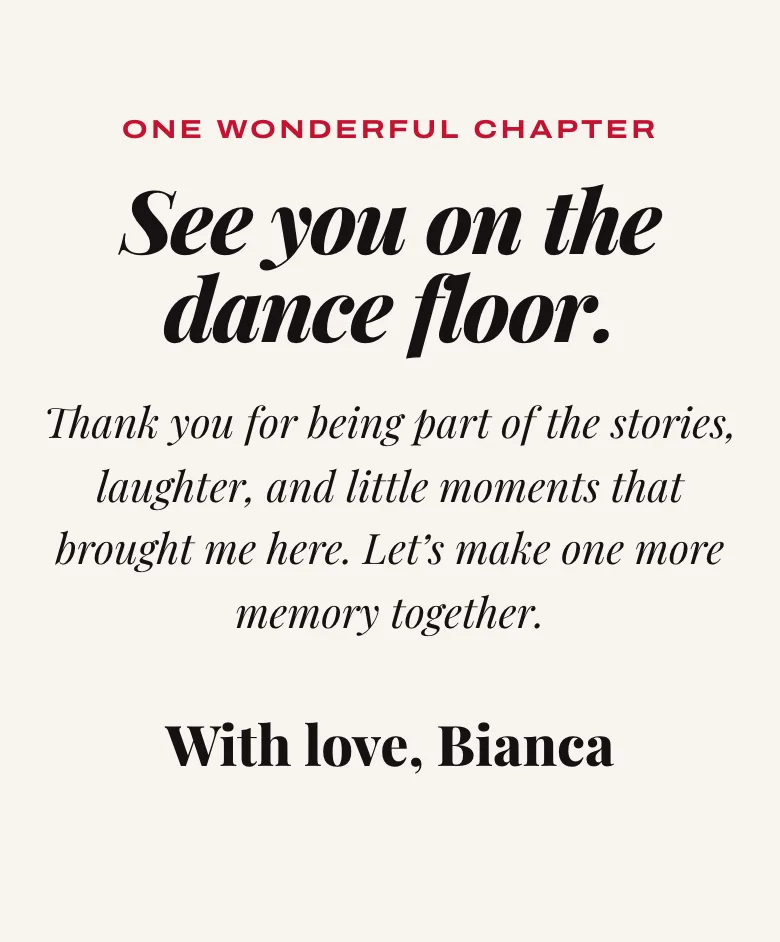
Copertina turns the invitation into a fashion magazine, with the celebrant on the cover. Every section becomes a page, numbered in whatever order the host sets.
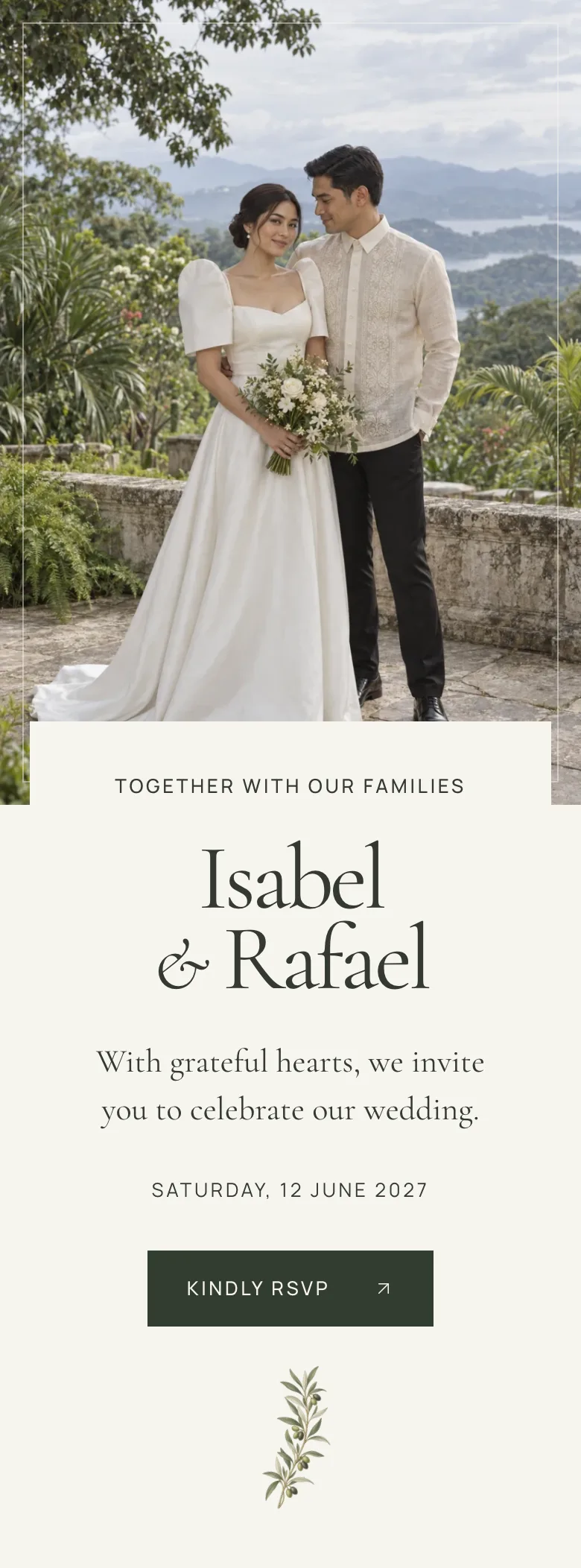
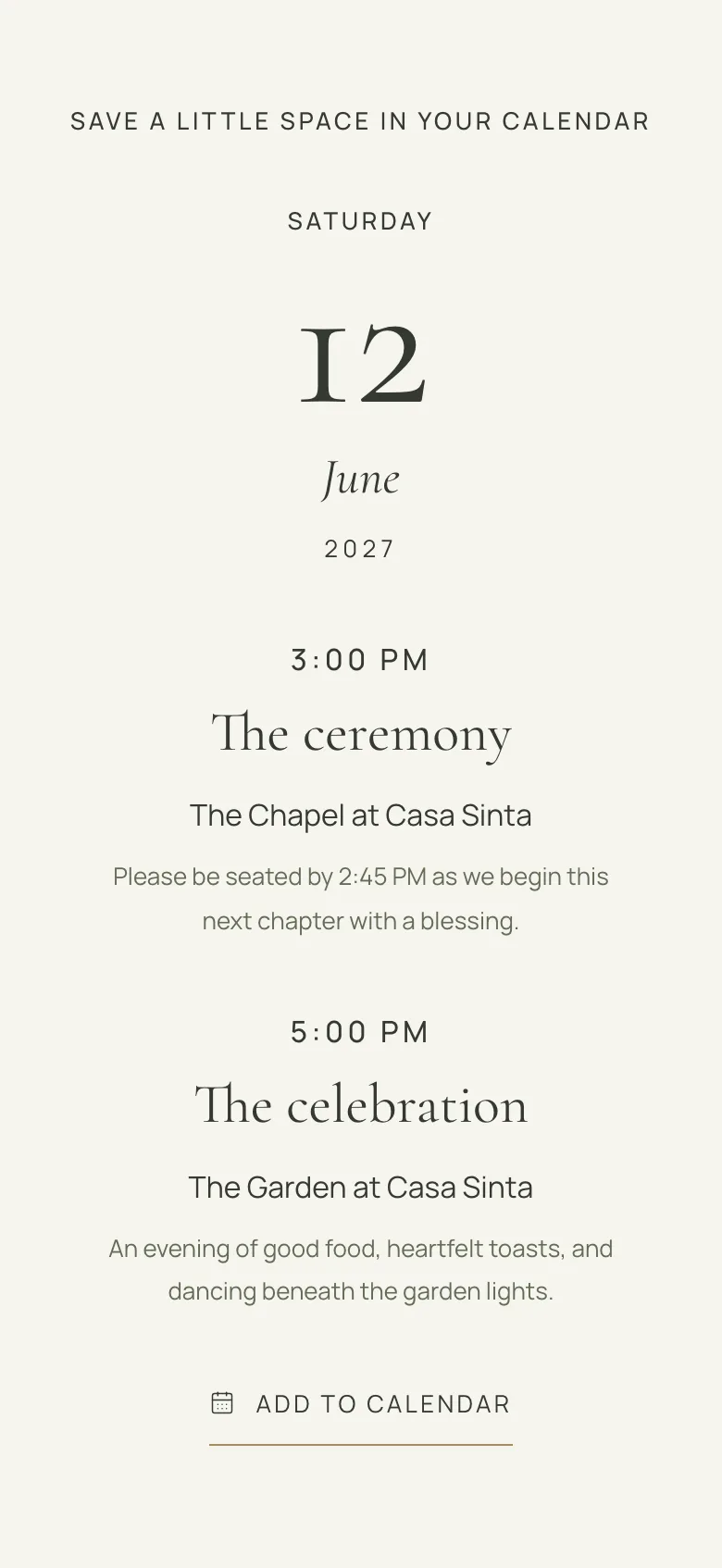
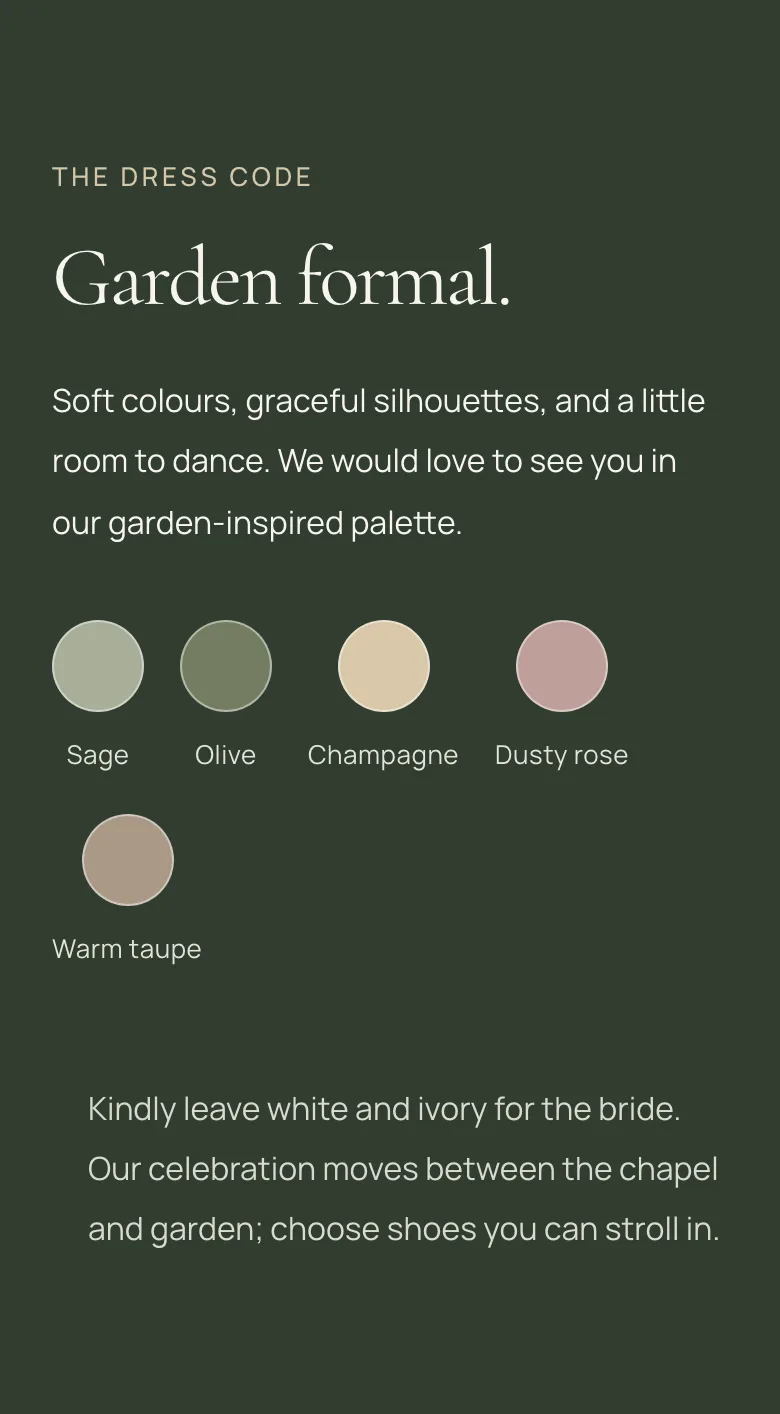
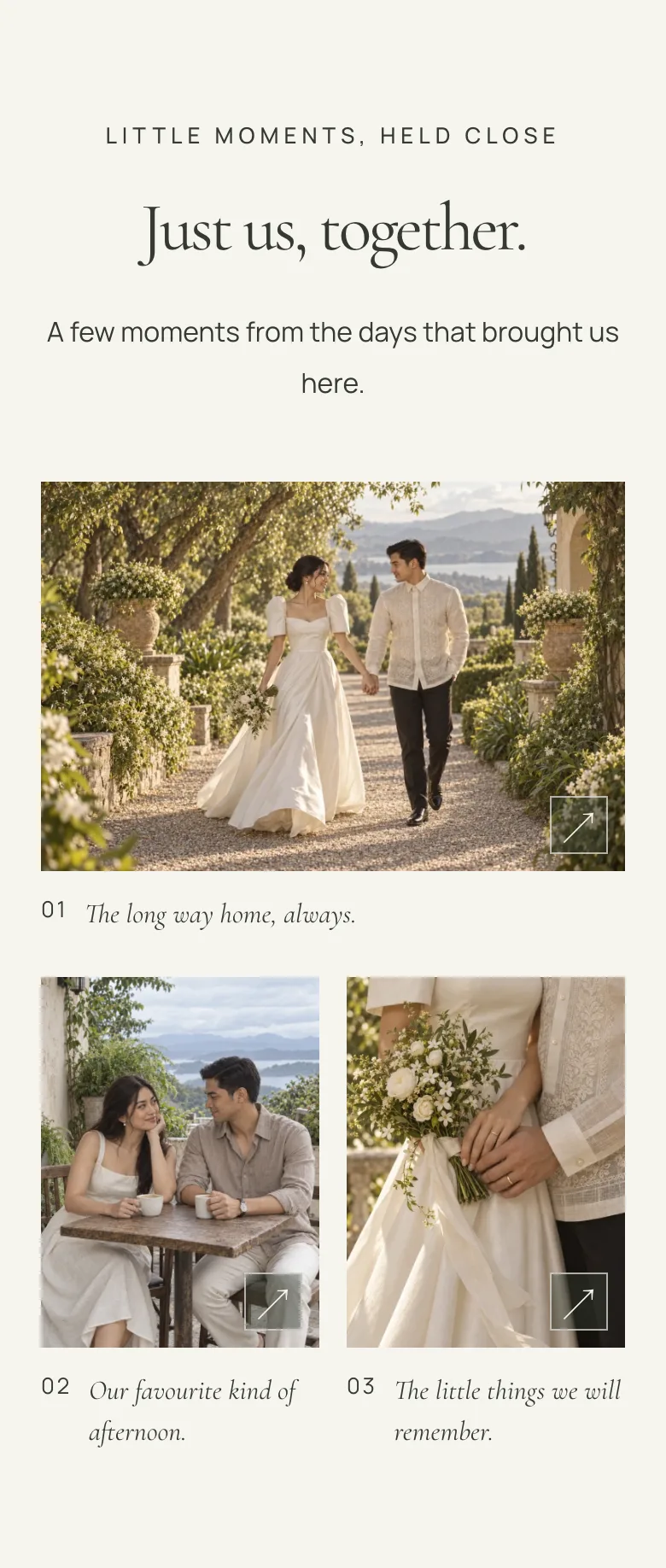
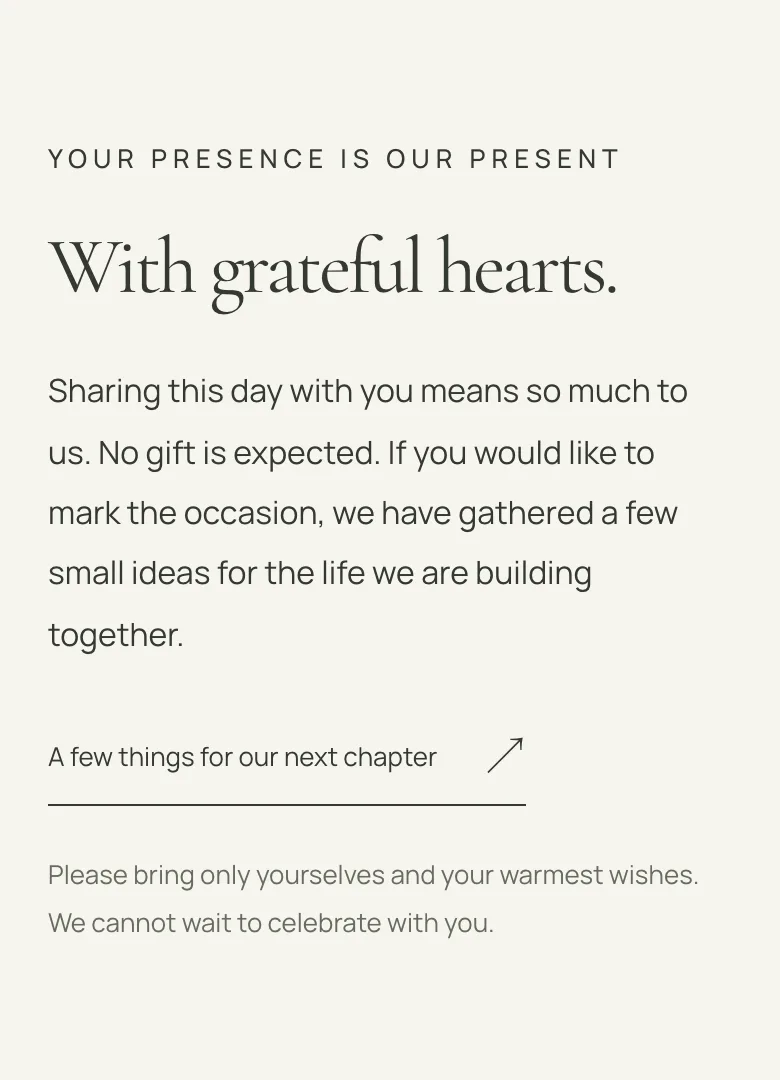
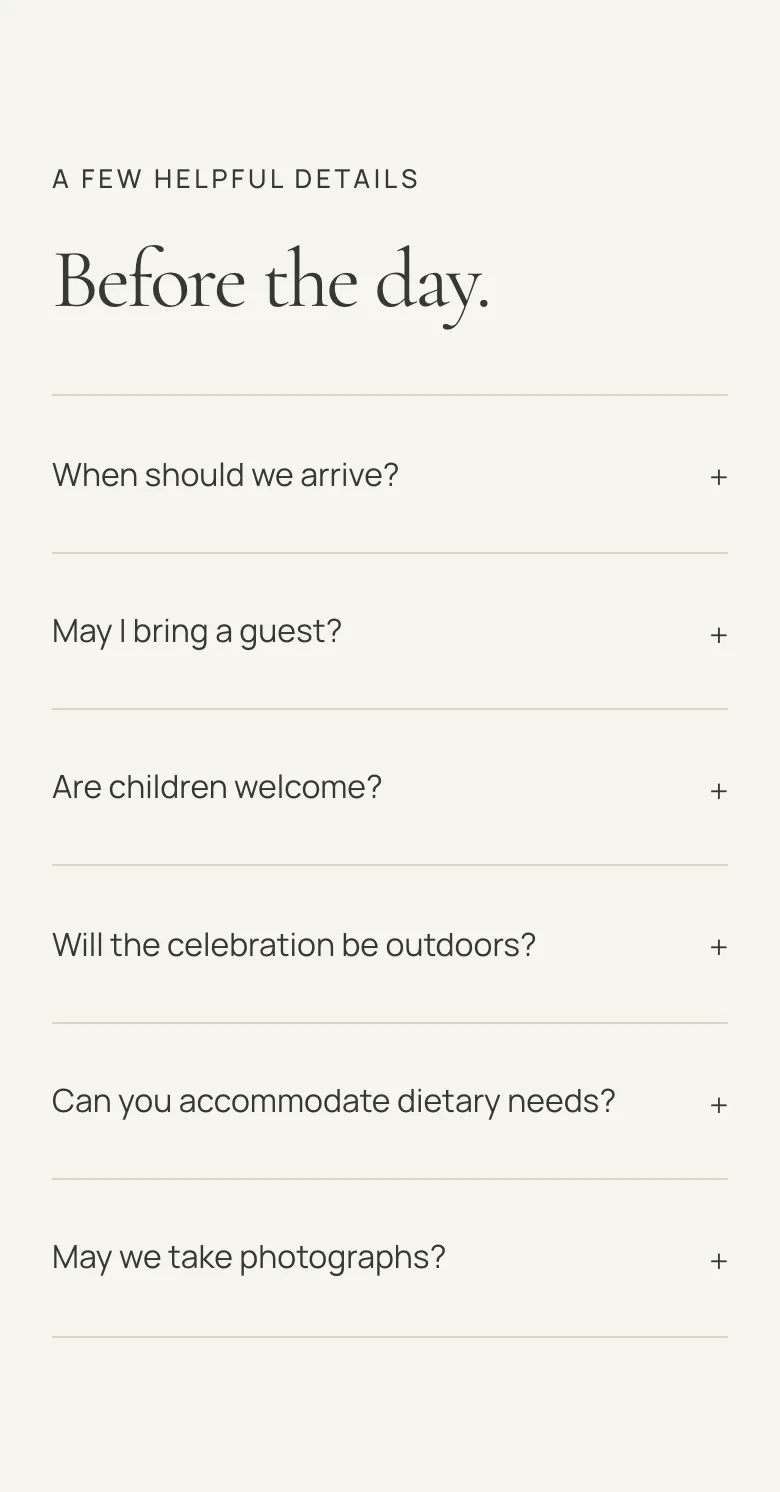
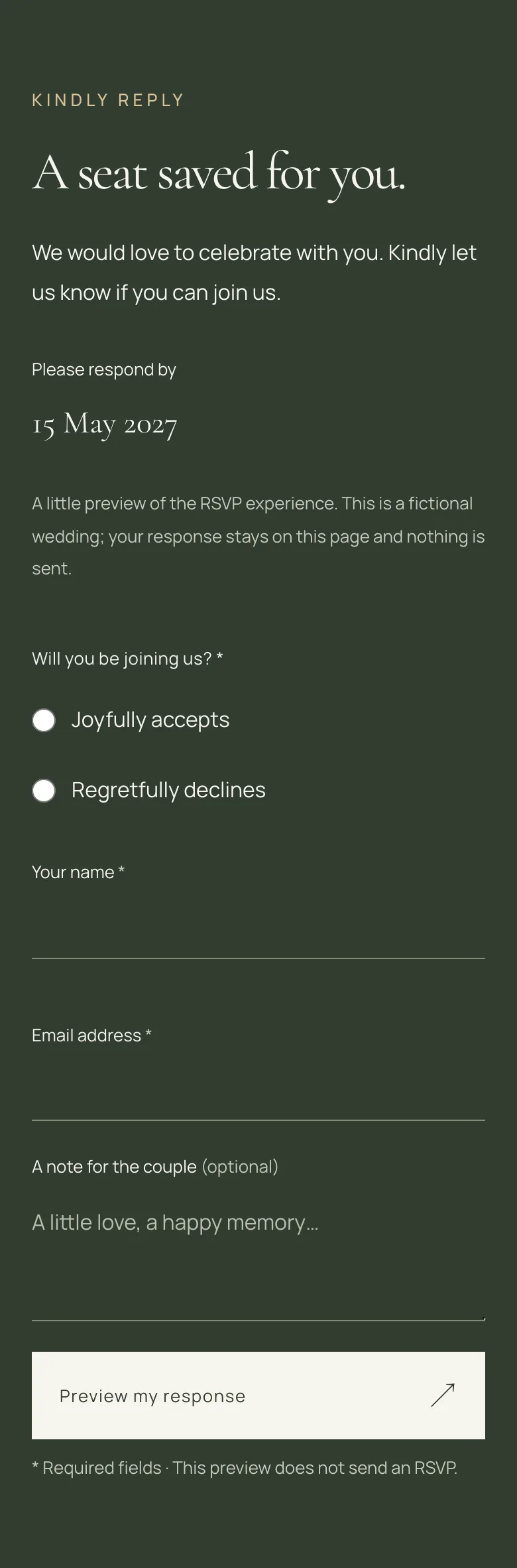
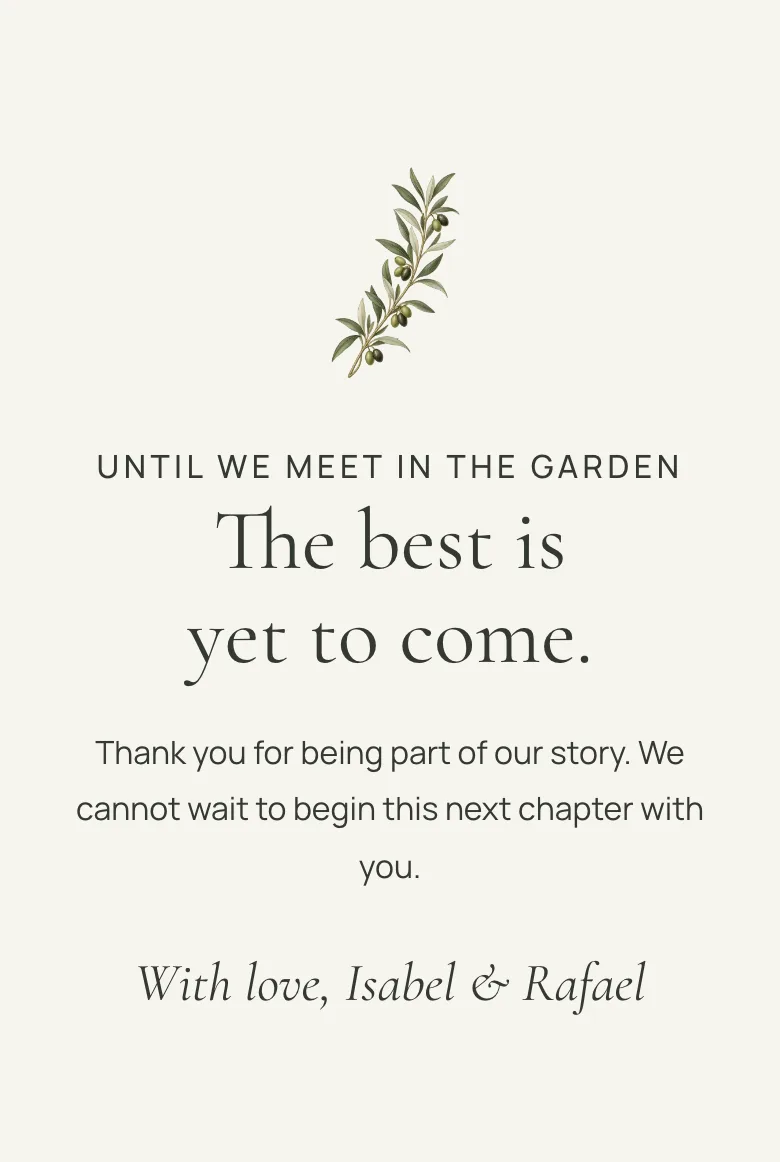
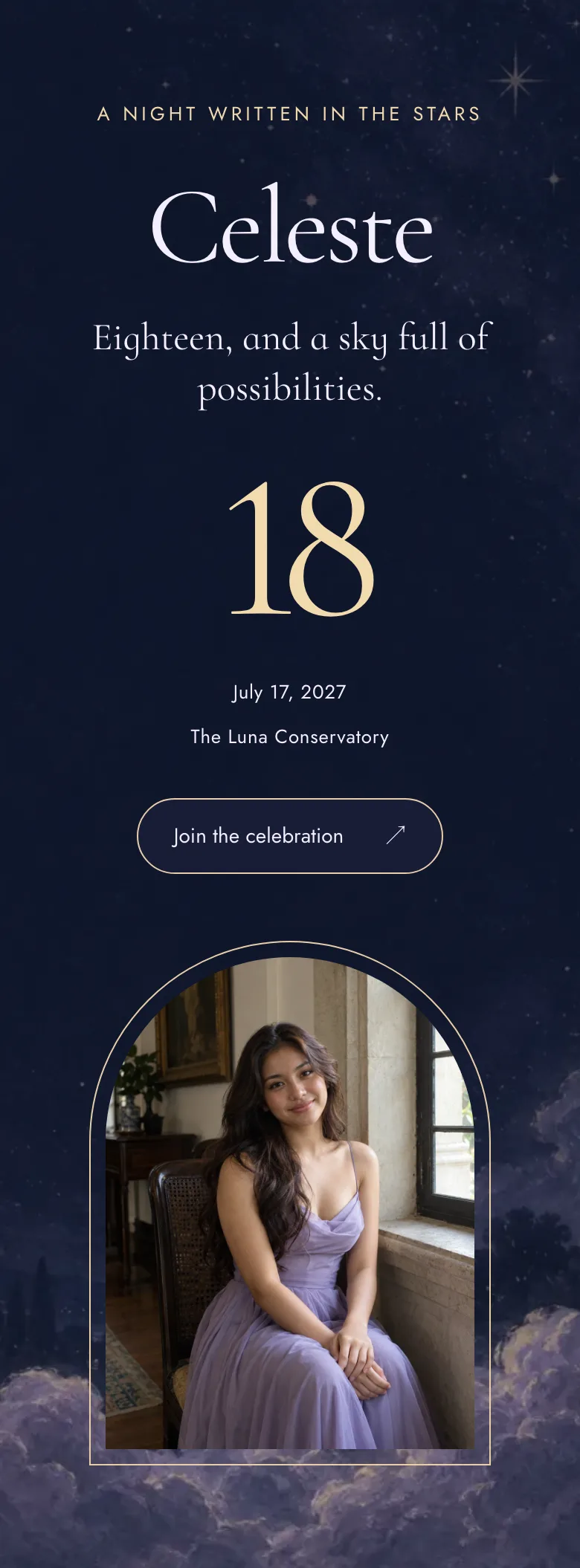
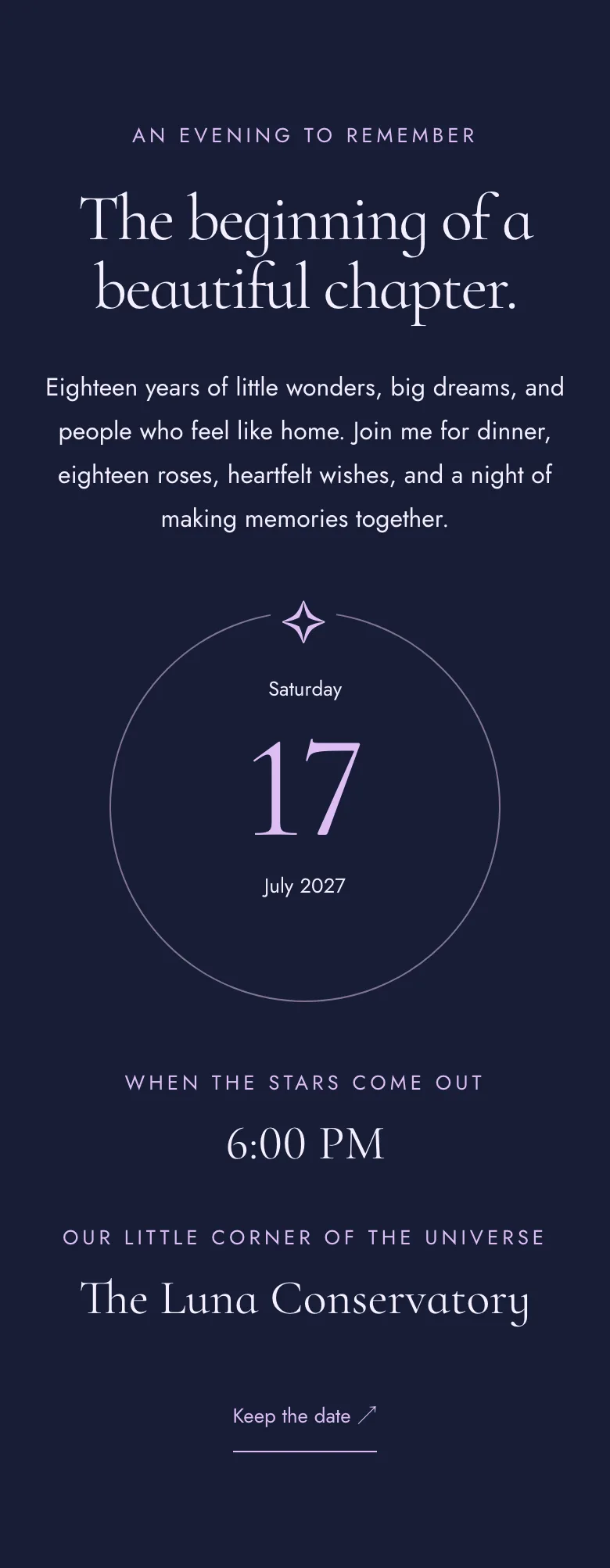
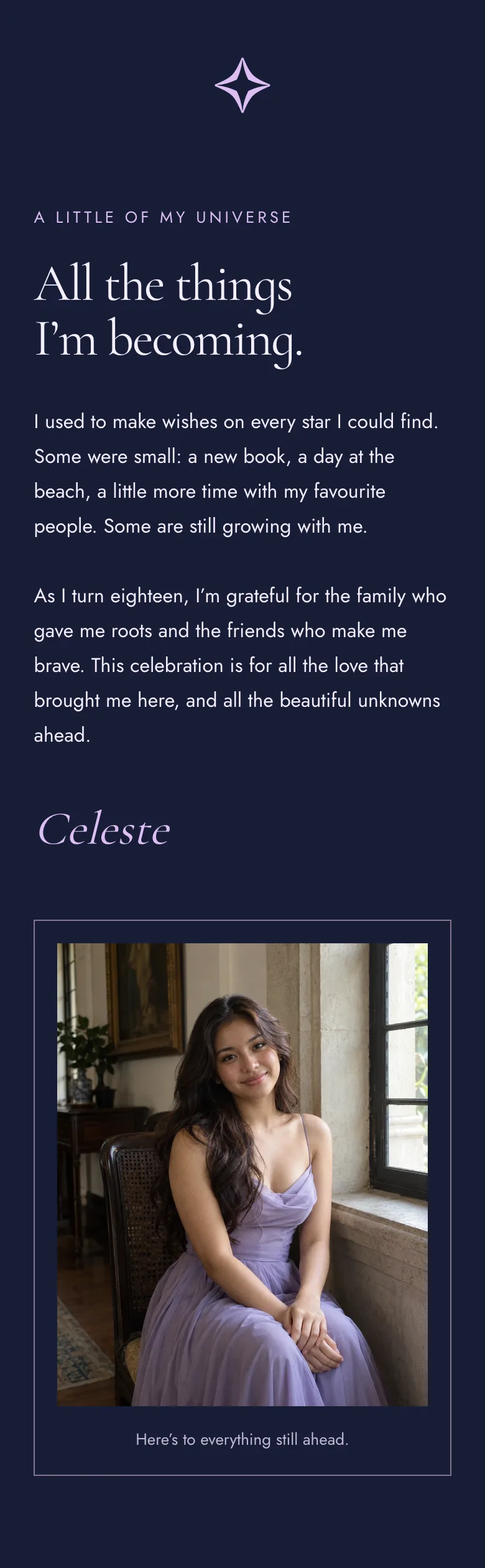
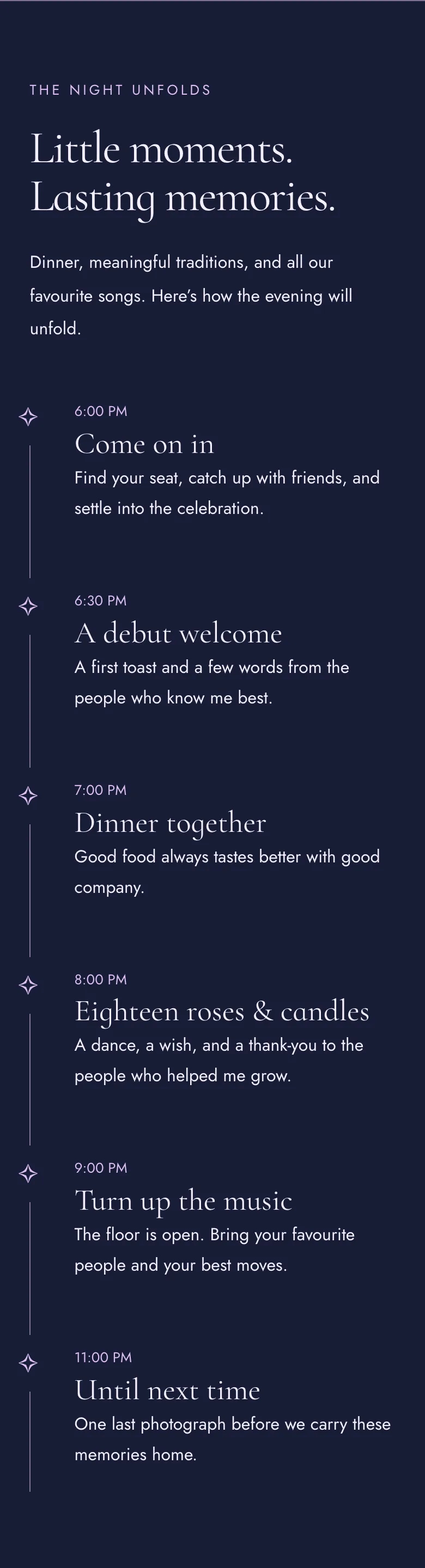
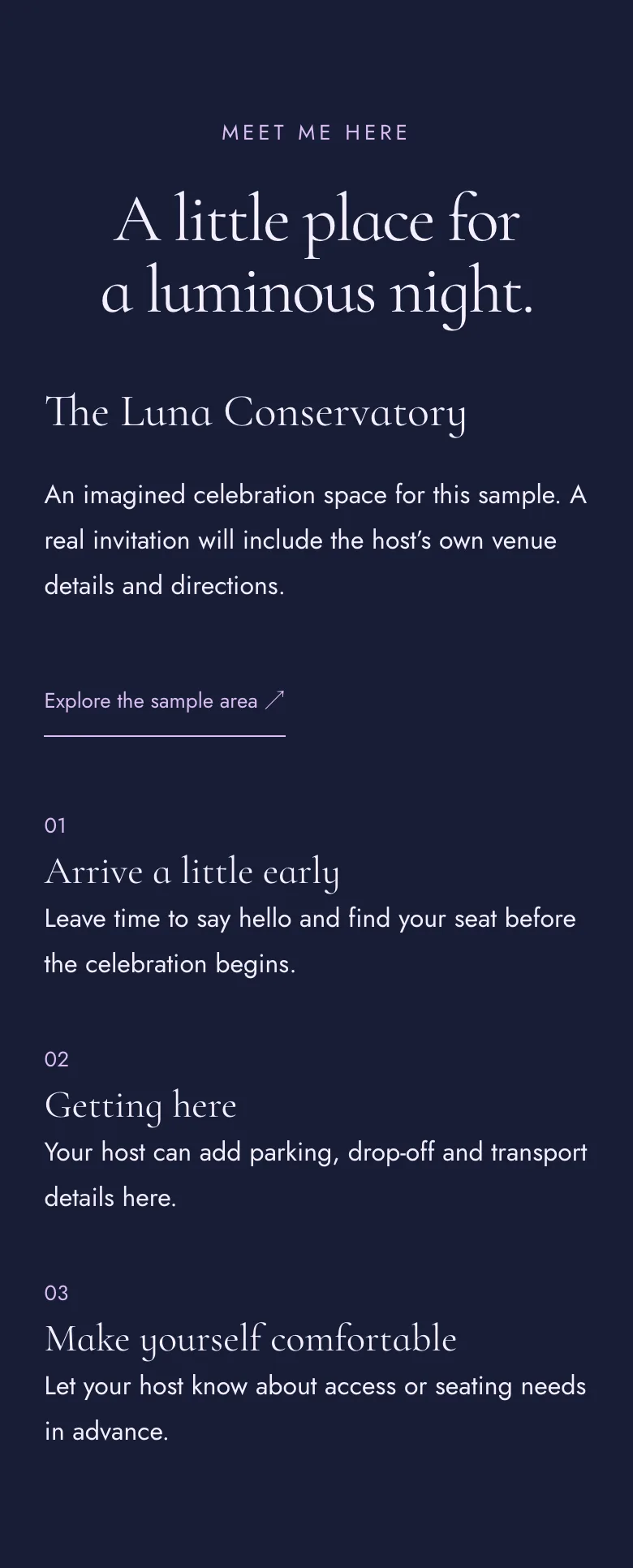
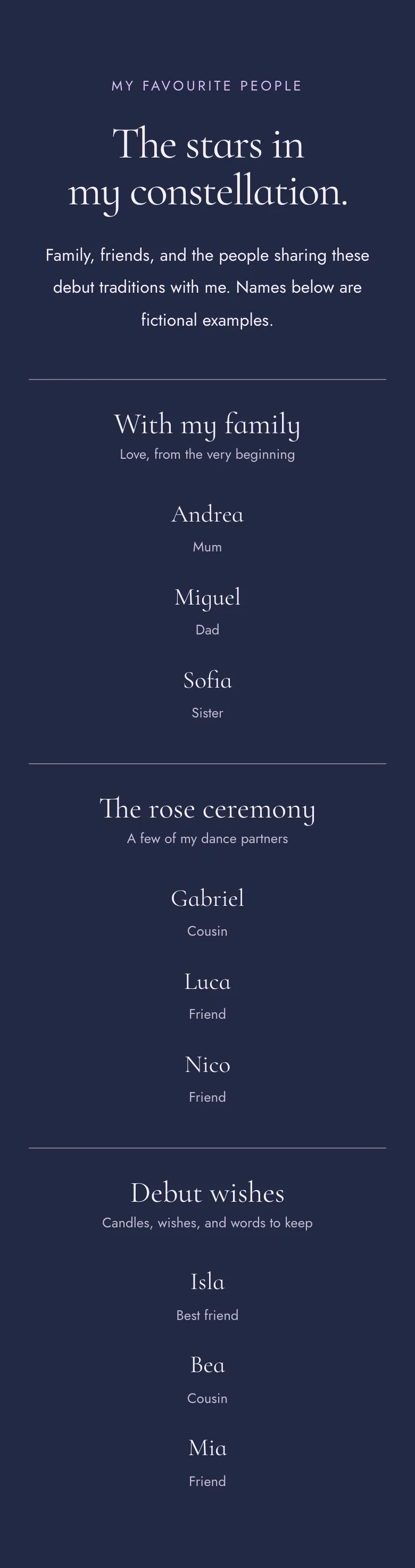
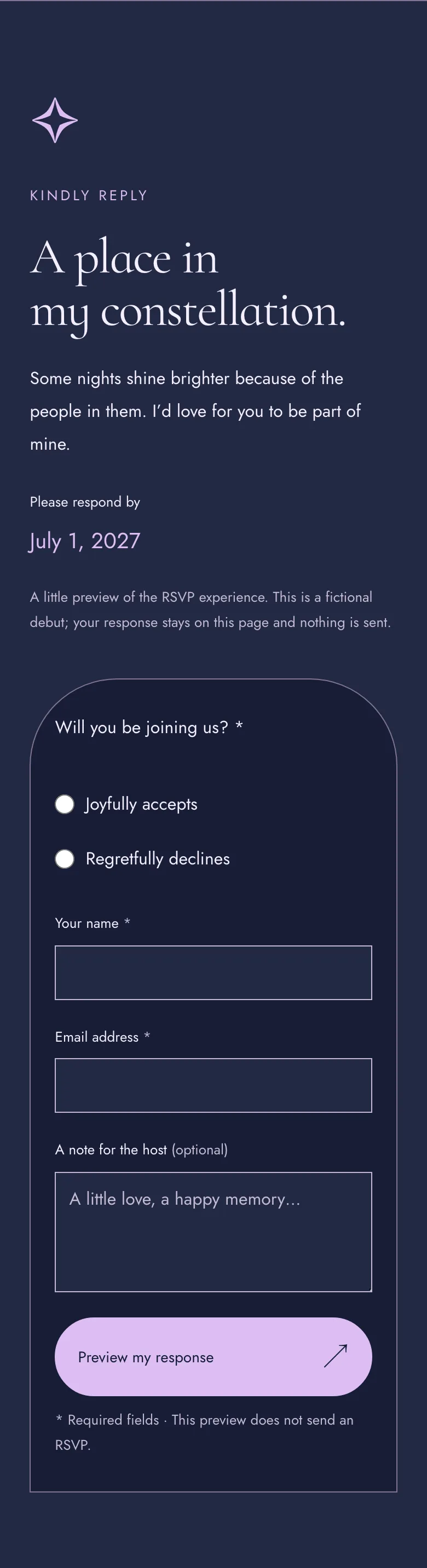
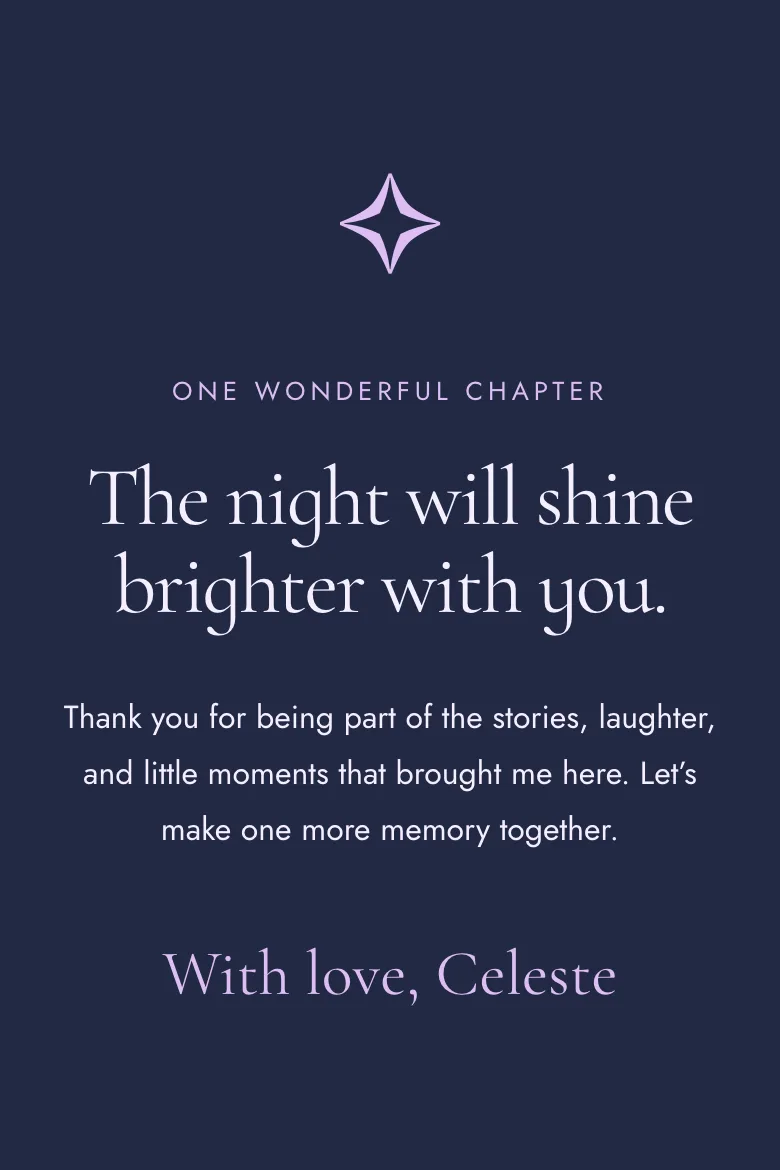
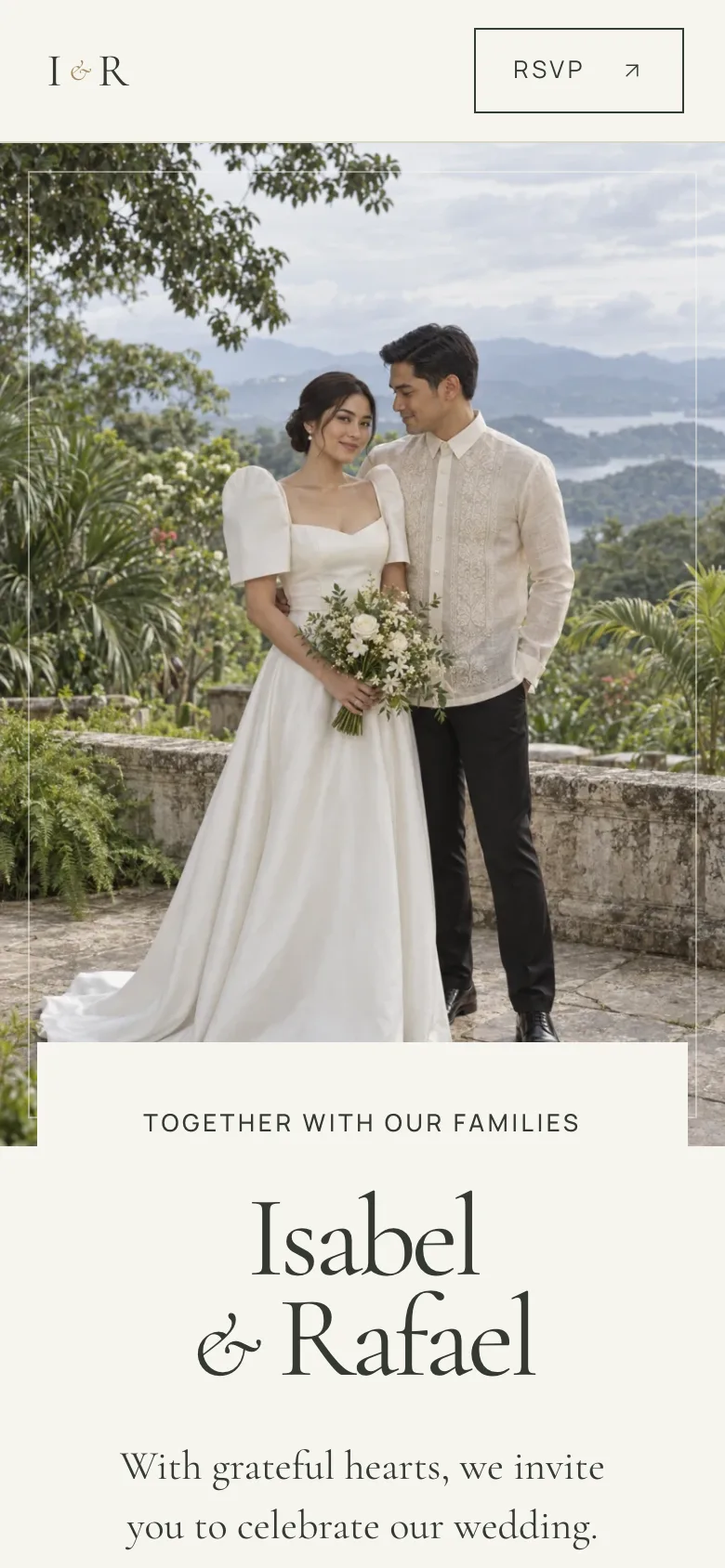
Three Invita themes, Copertina, Jardin and Étoile, each shown with fictional details.
- 01 · Hero
- 02 · Event details
- 03 · Story
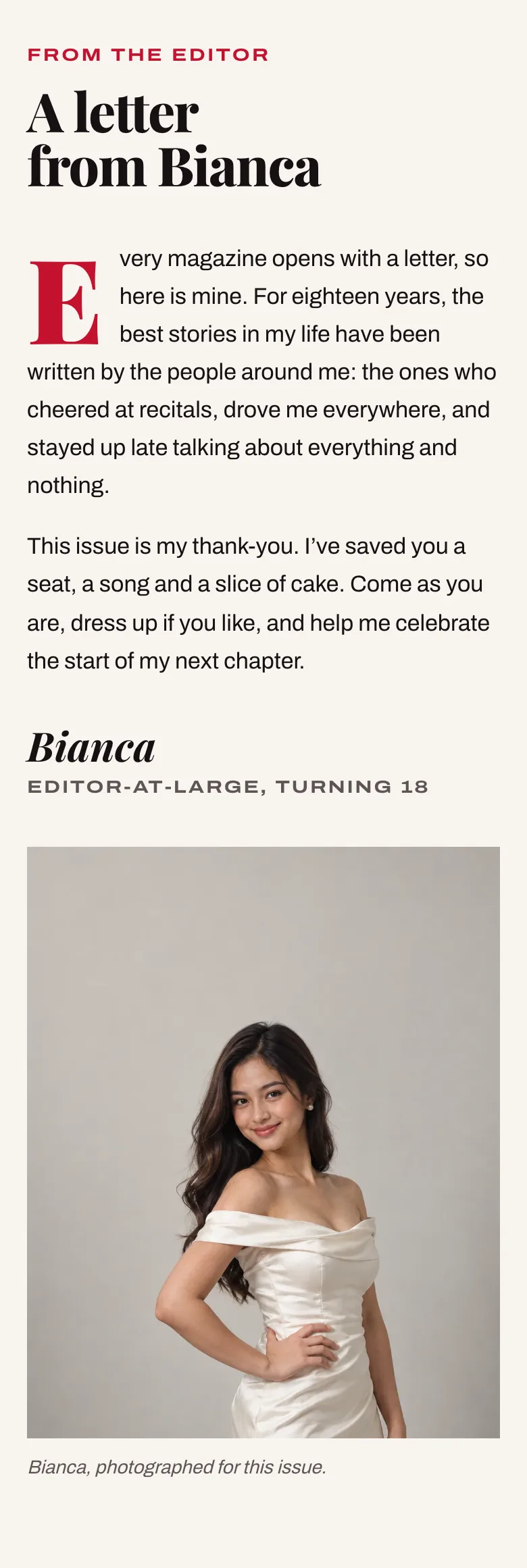
- 04 · Program
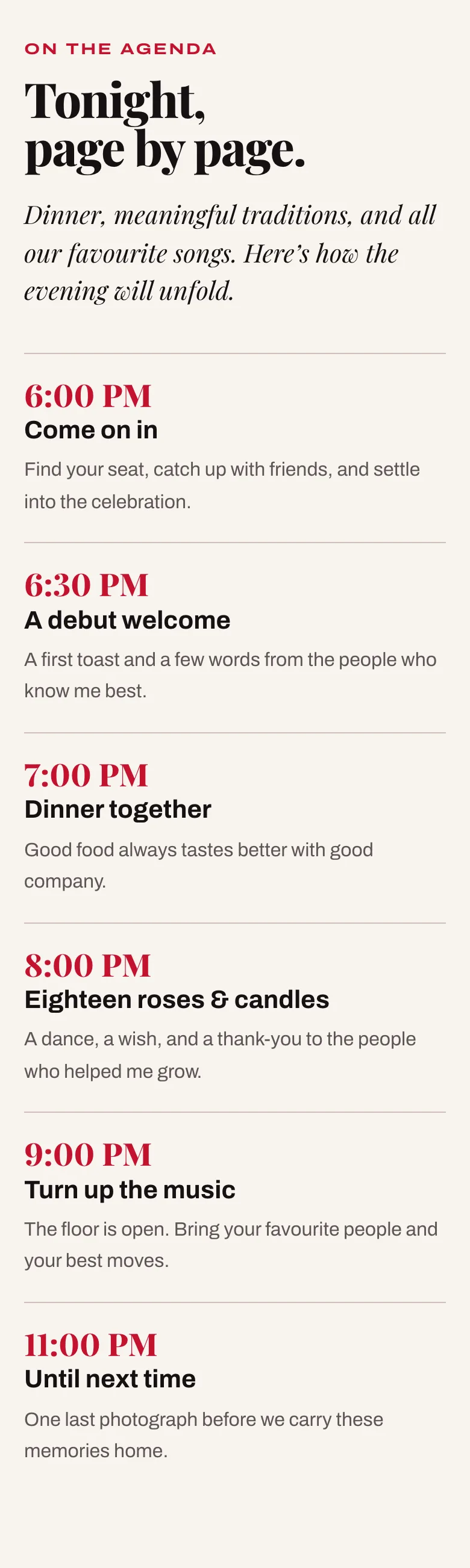
- 05 · Venue and travel
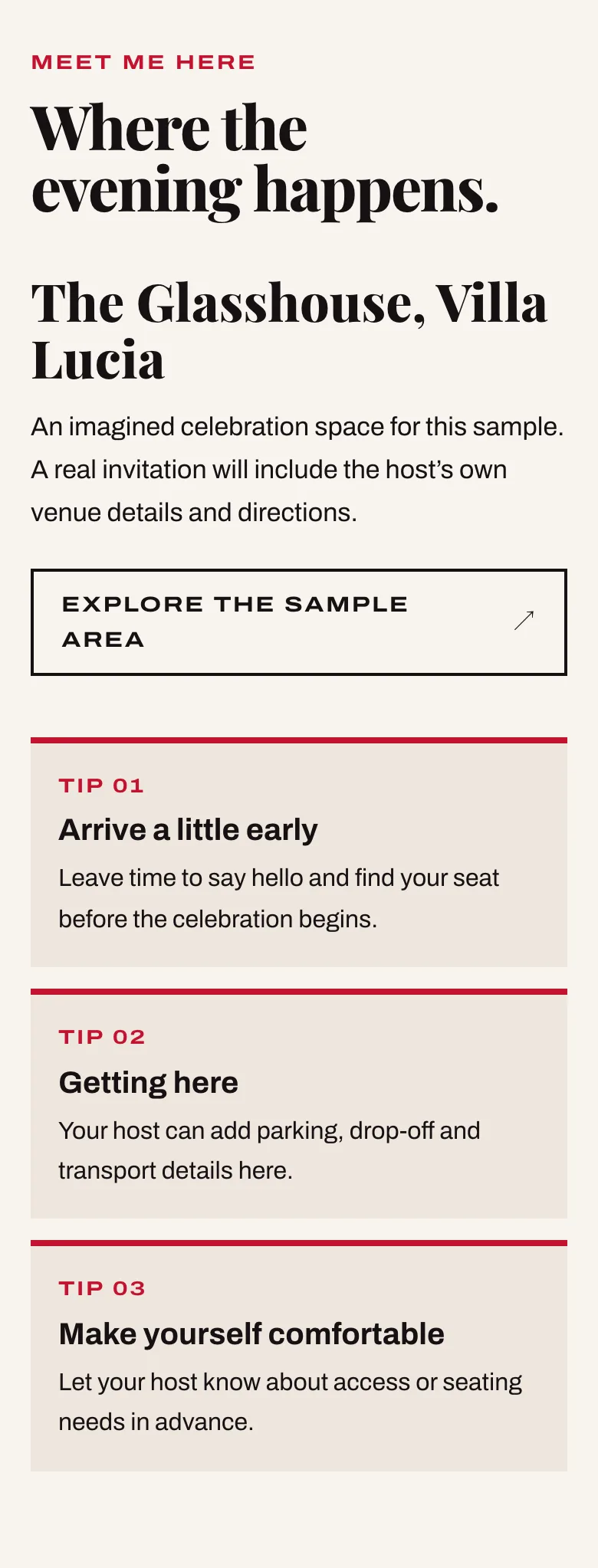
- 06 · Entourage
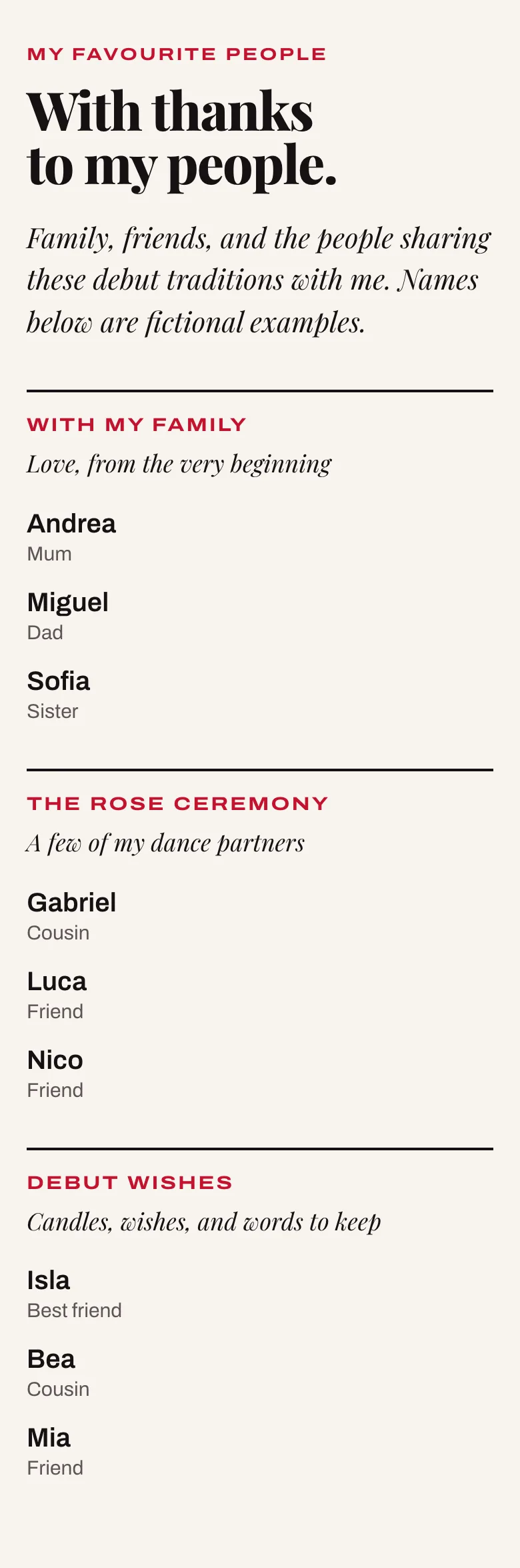
- 07 · Dress code
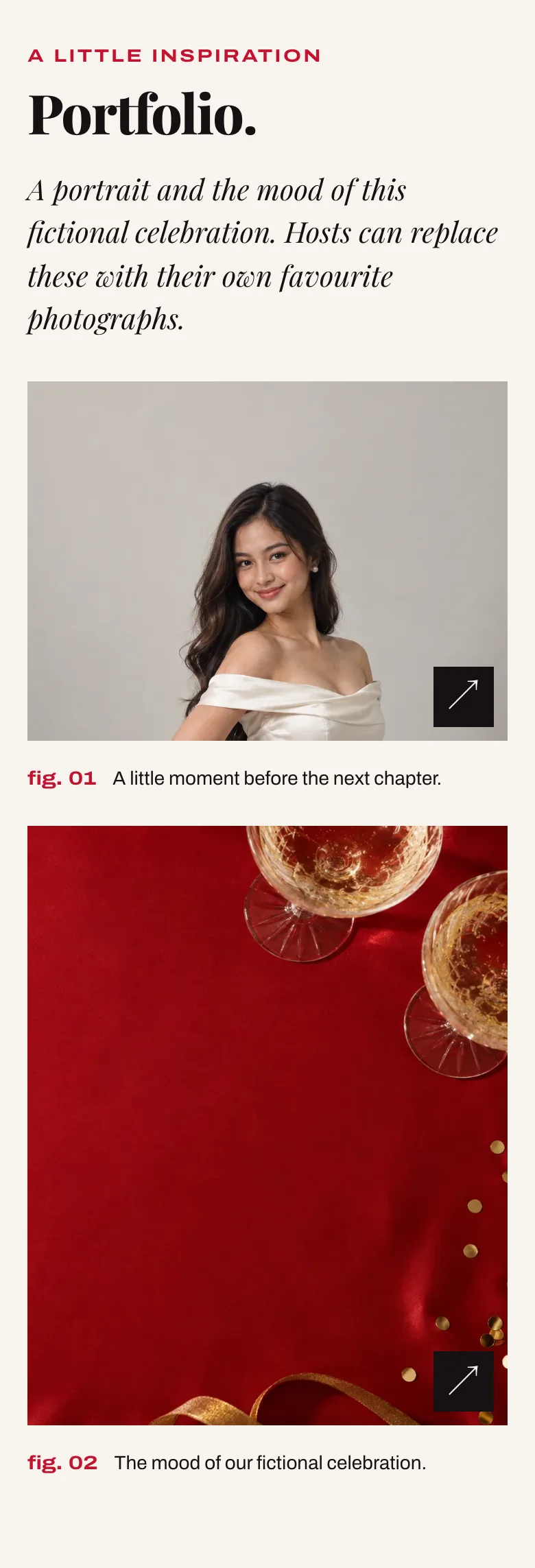
- 08 · Gallery
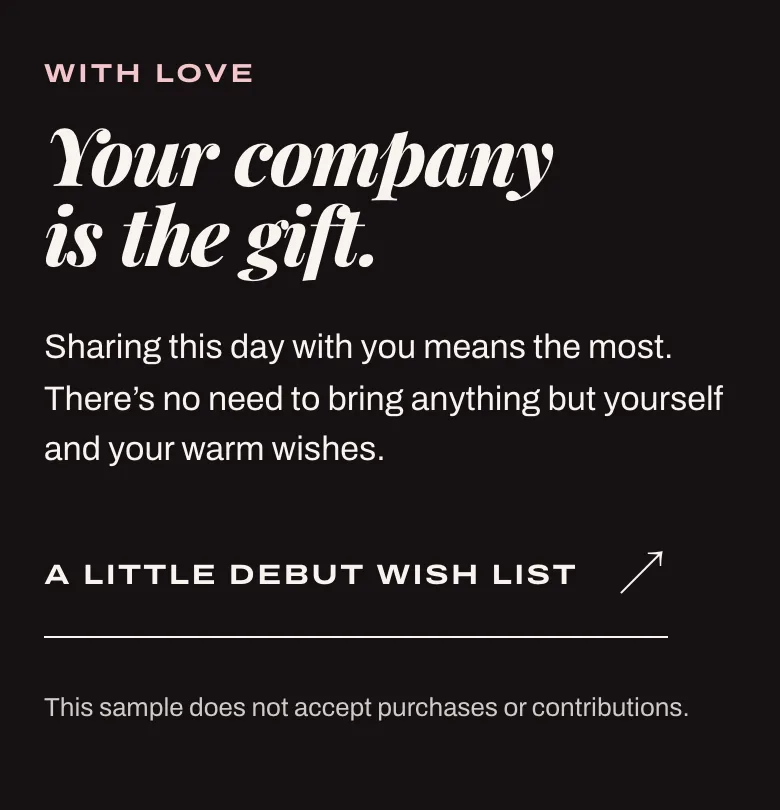
- 09 · Gifts
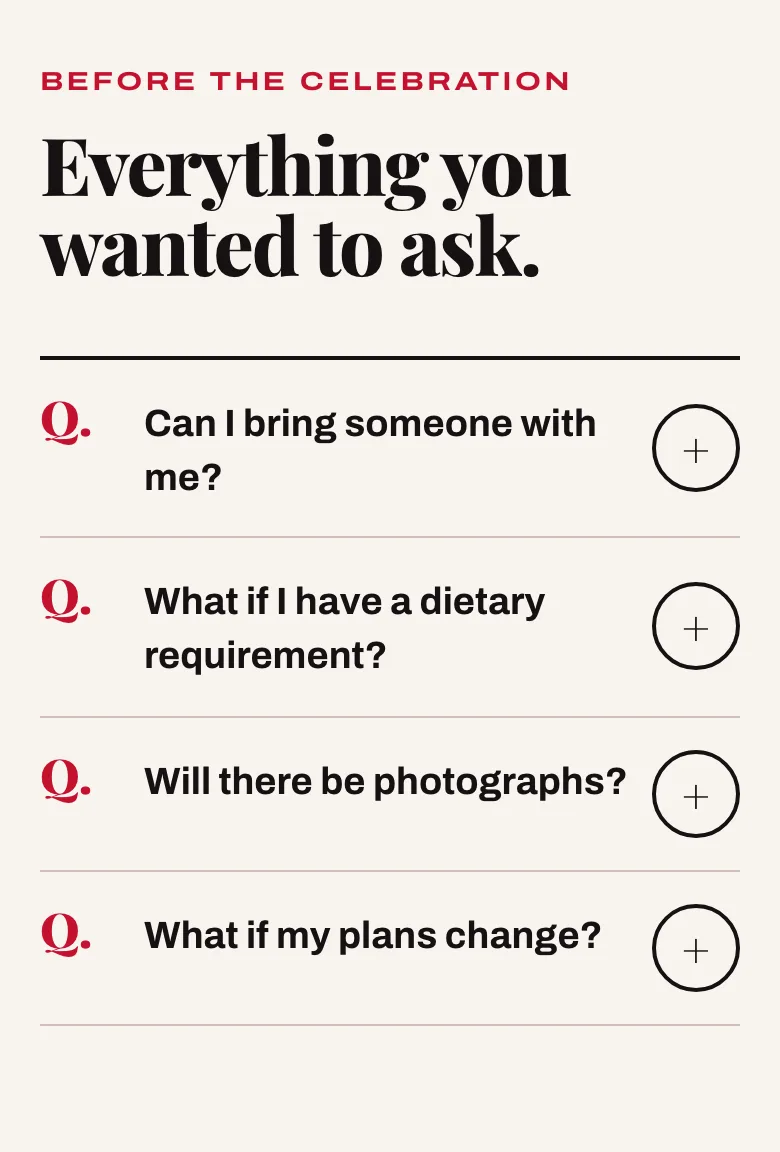
- 10 · FAQ
- 11 · RSVP
- 12 · Closing
- 01 · Hero
- 02 · Event details
- 03 · Story
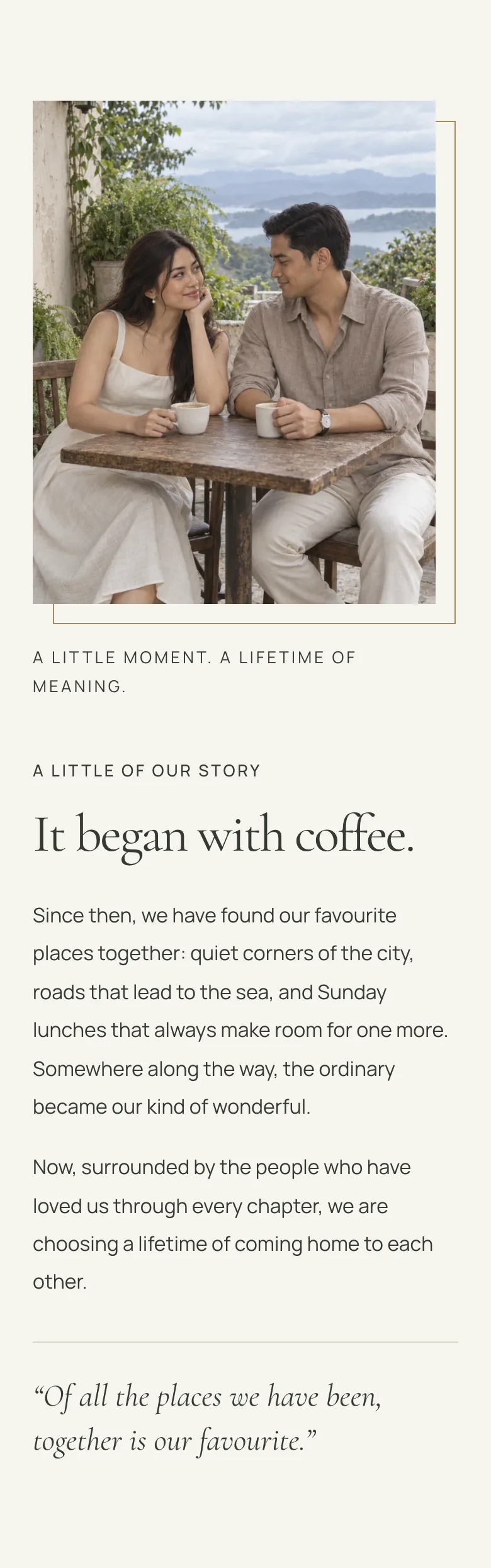
- 04 · Program
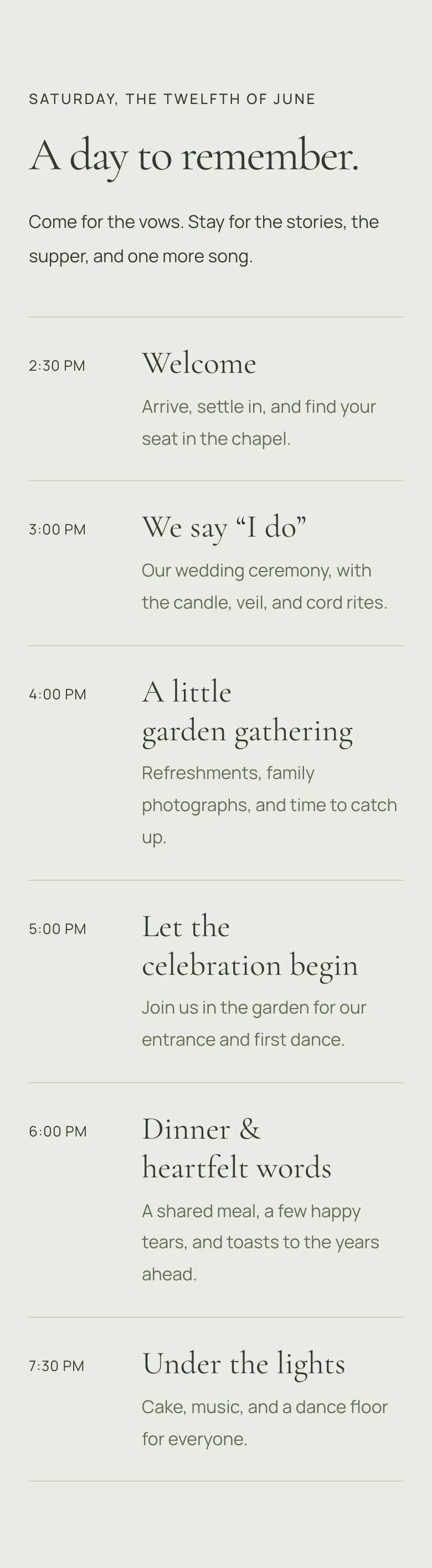
- 05 · Venue and travel
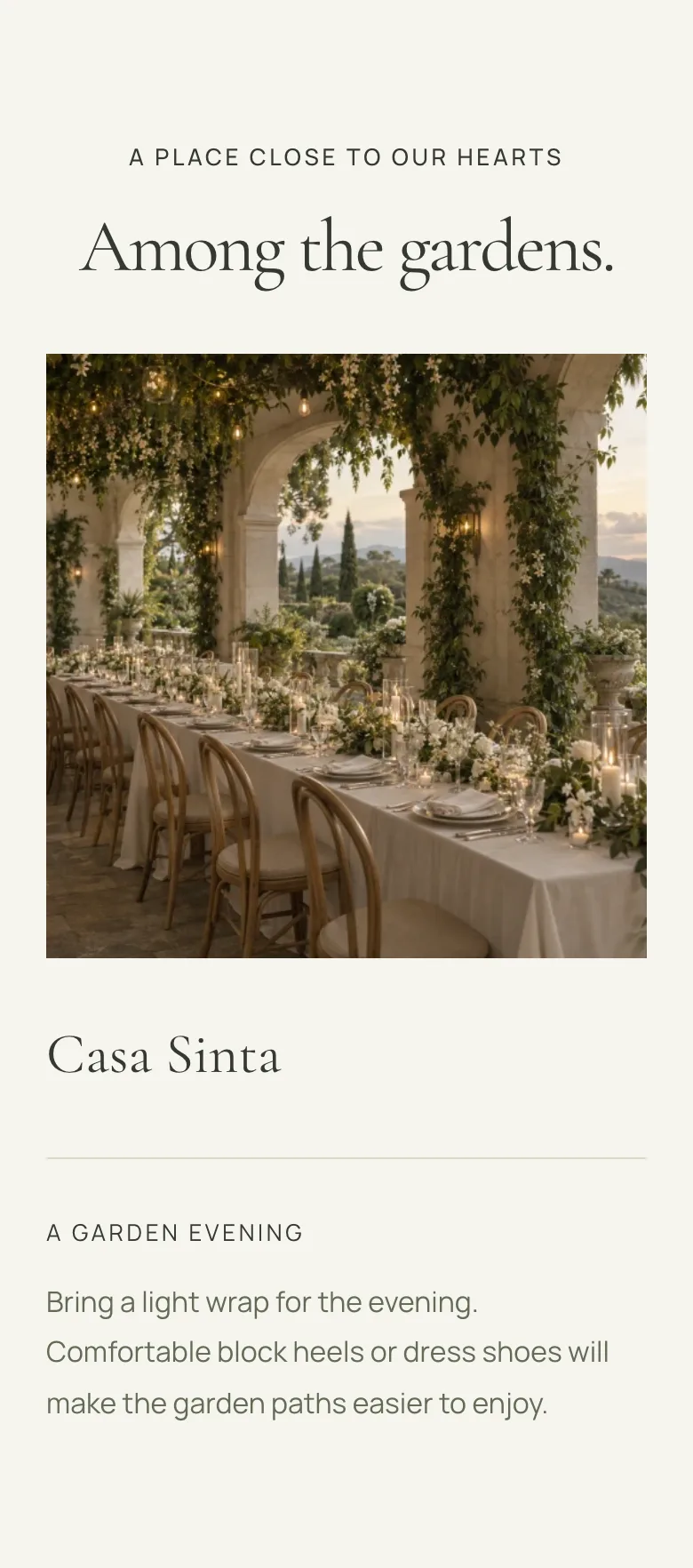
- 06 · Entourage
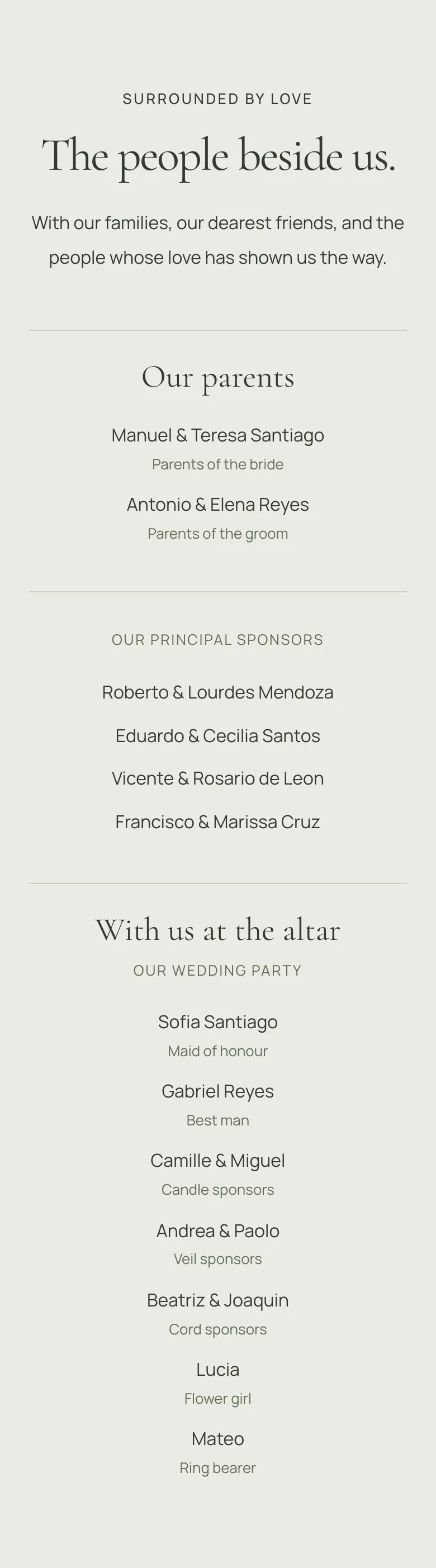
- 07 · Dress code
- 08 · Gallery
- 09 · Gifts
- 10 · FAQ
- 11 · RSVP
- 12 · Closing
- 01 · Hero
- 02 · Event details
- 03 · Story
- 04 · Program
- 05 · Venue and travel
- 06 · Entourage
- 07 · Dress code
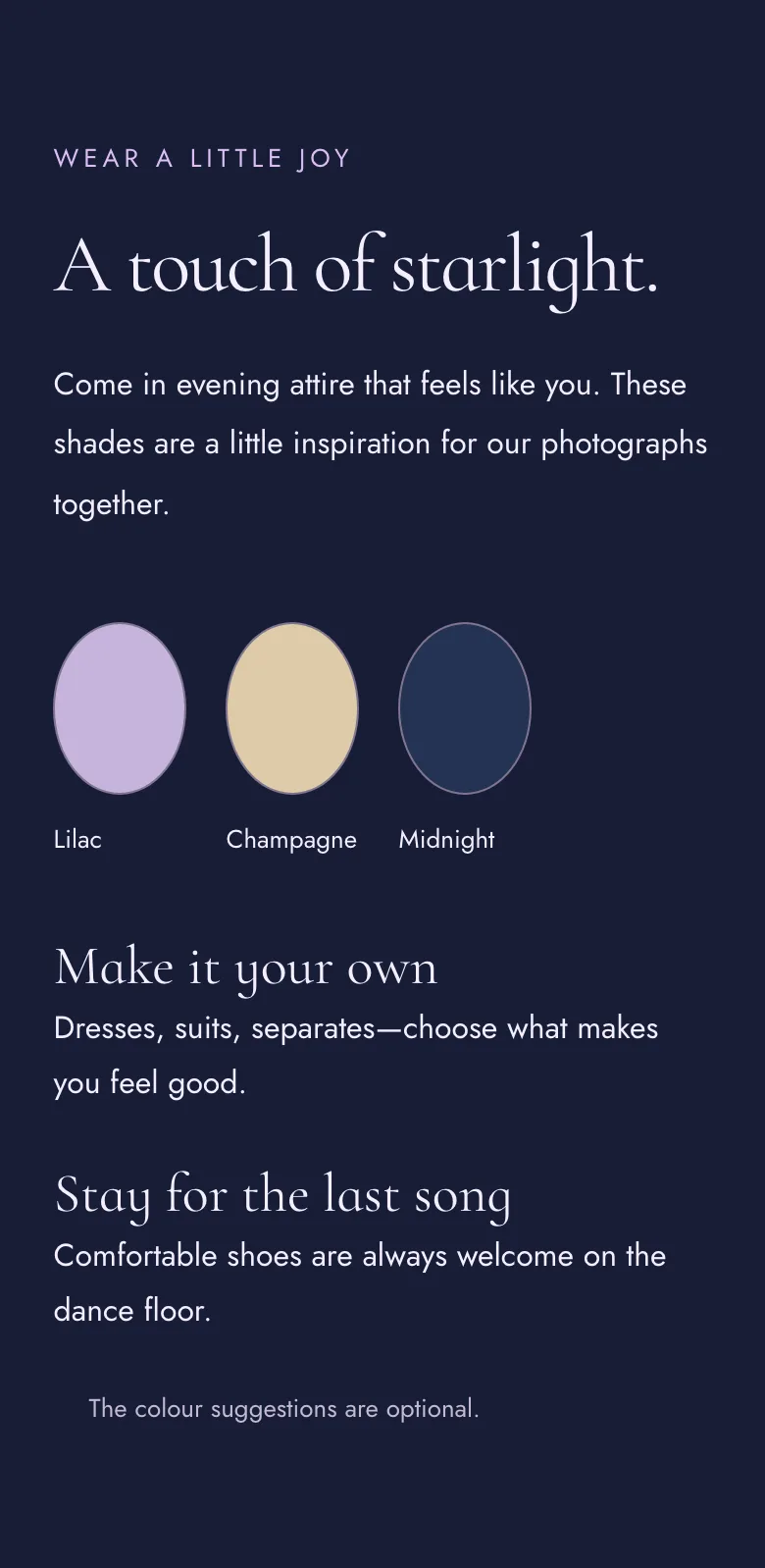
- 08 · Gallery
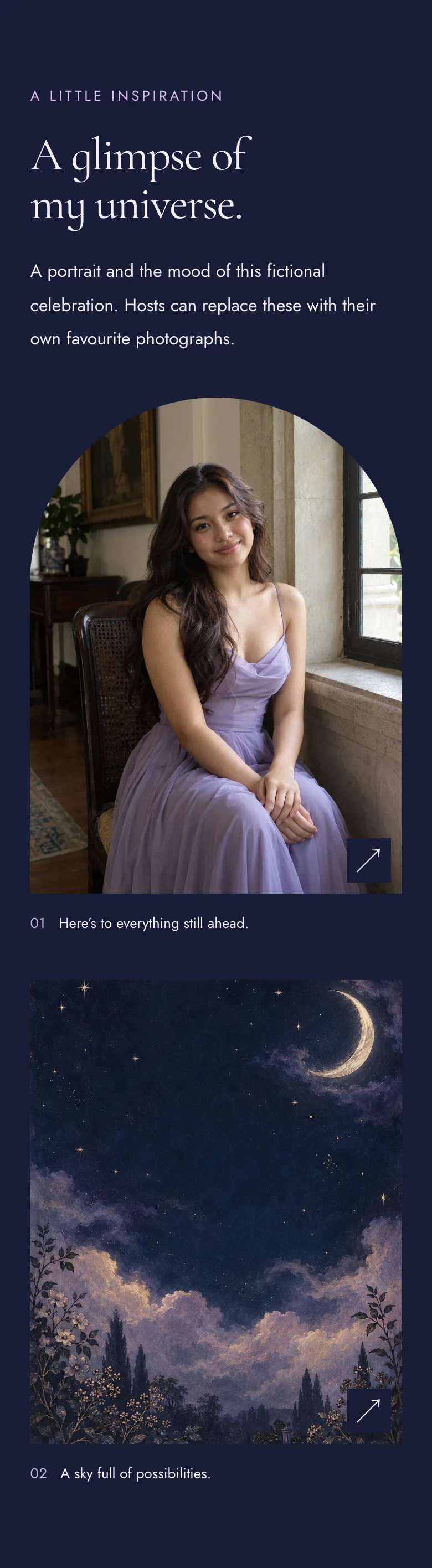
- 09 · Gifts
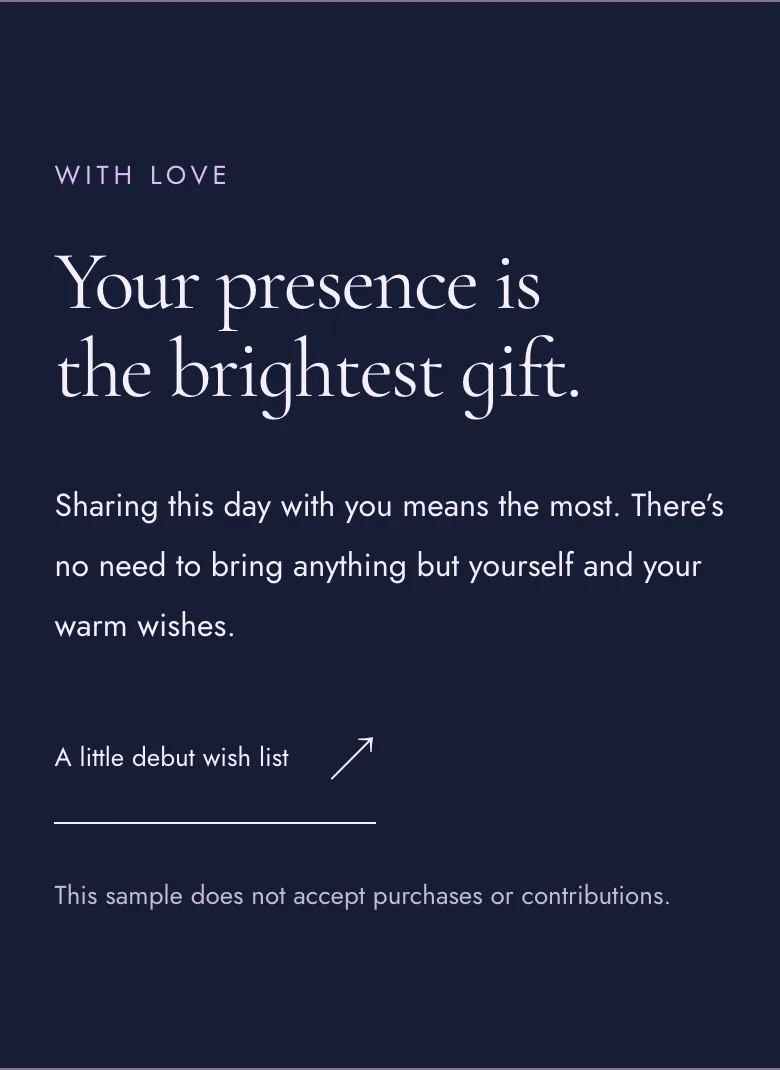
- 10 · FAQ
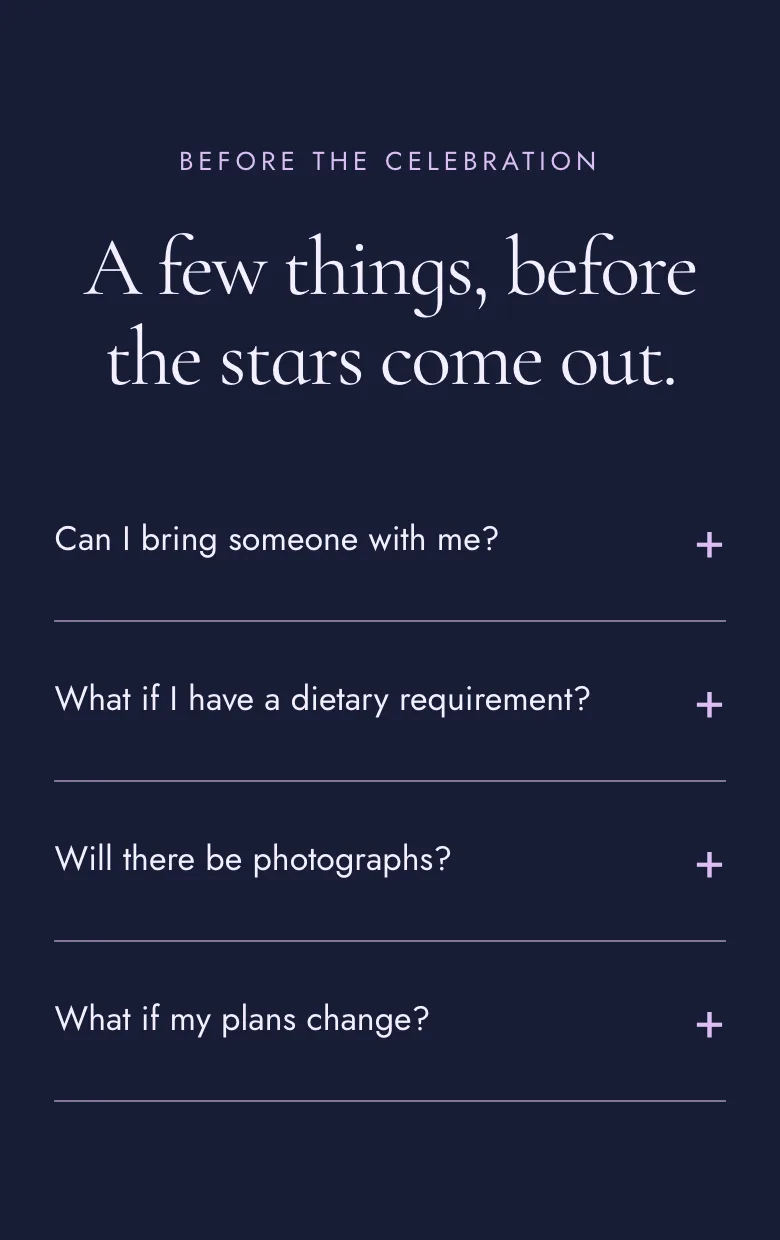
- 11 · RSVP
- 12 · Closing
Sections
- HeroAlways firstNot pictured
- Event detailsAlways shownNot pictured
- StoryNot pictured
- ProgramNot pictured
- Venue and travelNot pictured
- EntourageNot pictured
- Dress codeNot pictured
- GalleryNot pictured
- GiftsNot pictured
- FAQNot pictured
- RSVPAlways shownNot pictured
- ClosingNot pictured
A host picks the theme when creating an event. The palette, artwork and sections can change later, and republishing keeps the same link.
A preview of three Invita themes with fictional details. Choose a theme and a palette, then show, hide or reorder sections. The preview updates as you go, and your section choices stay when you switch themes.
C: Copertina: the magazine
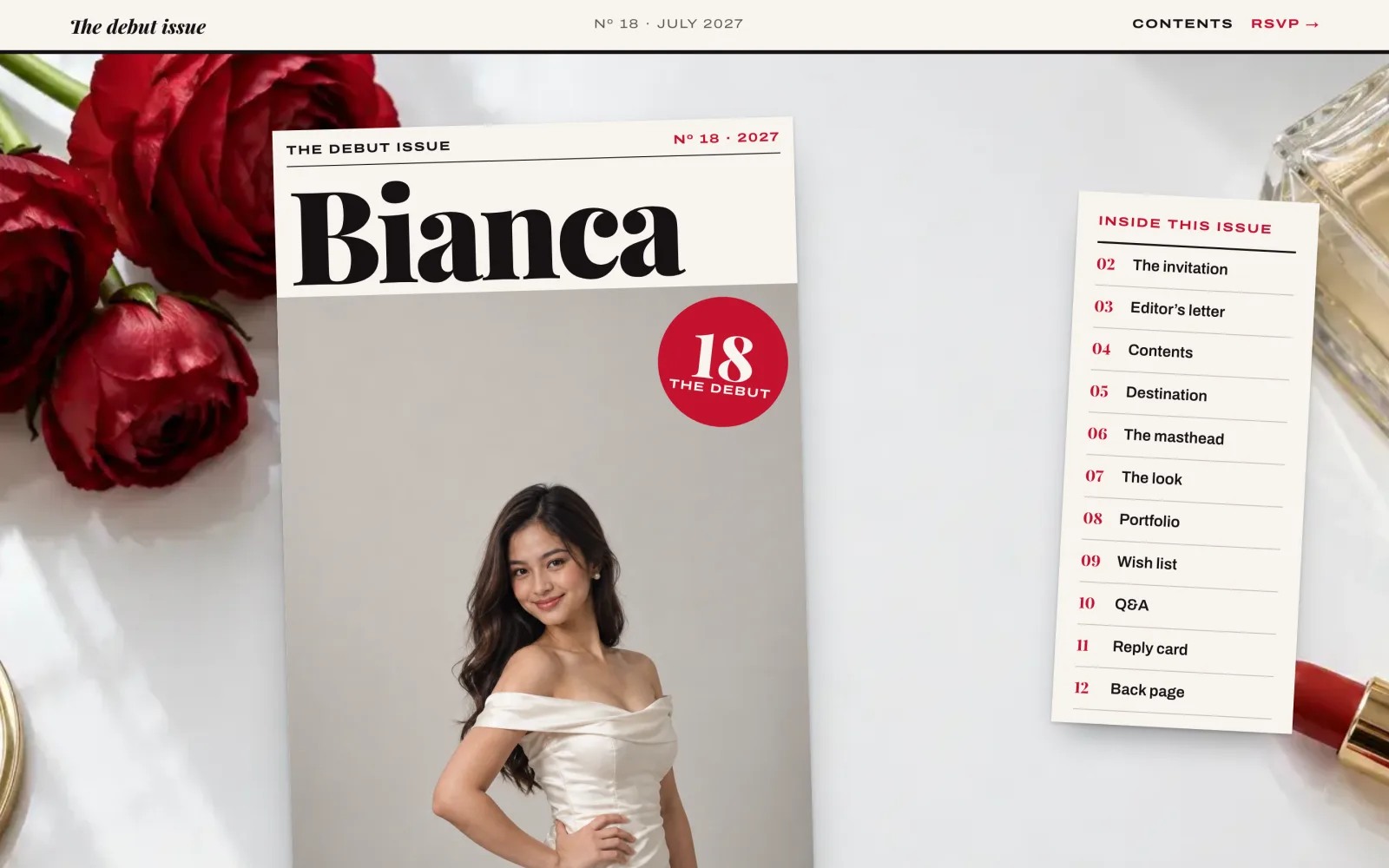
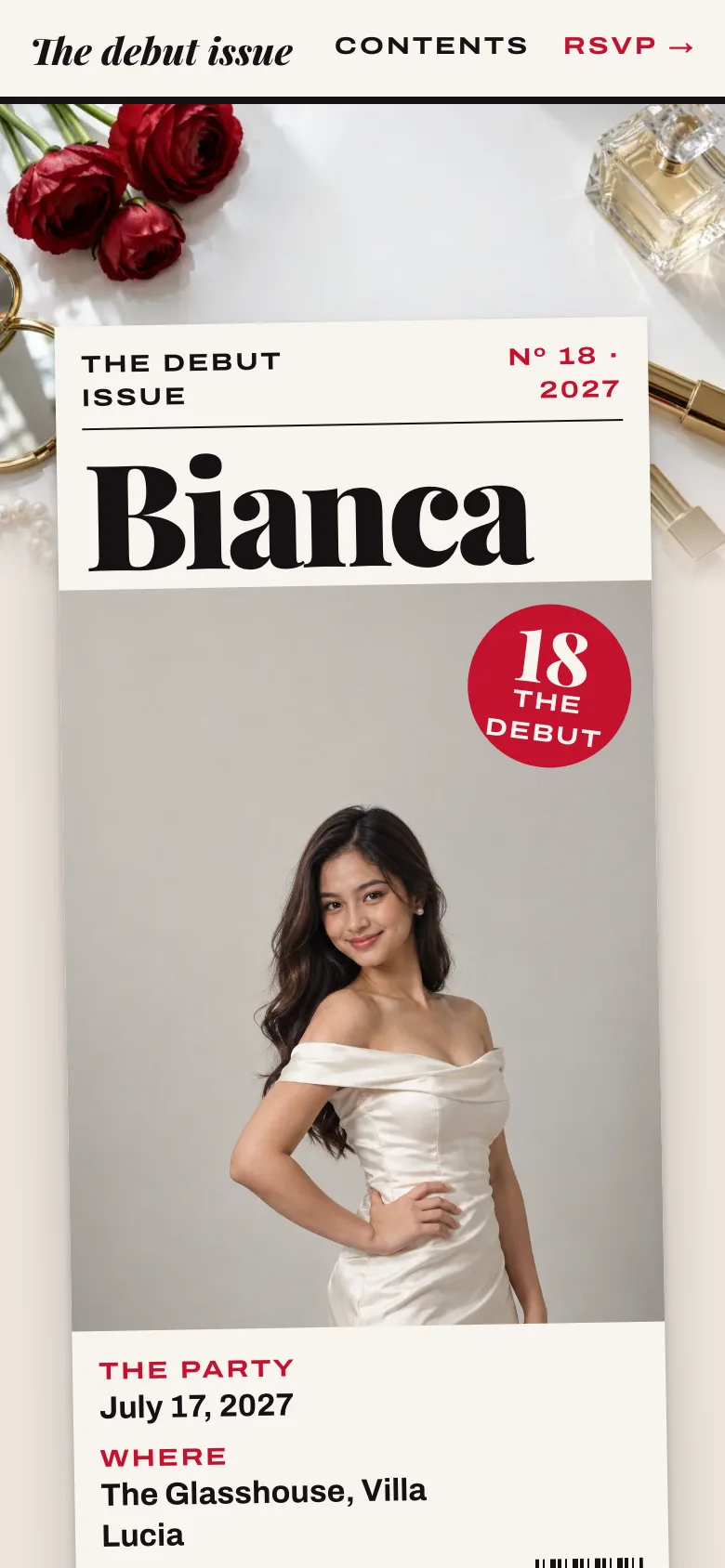
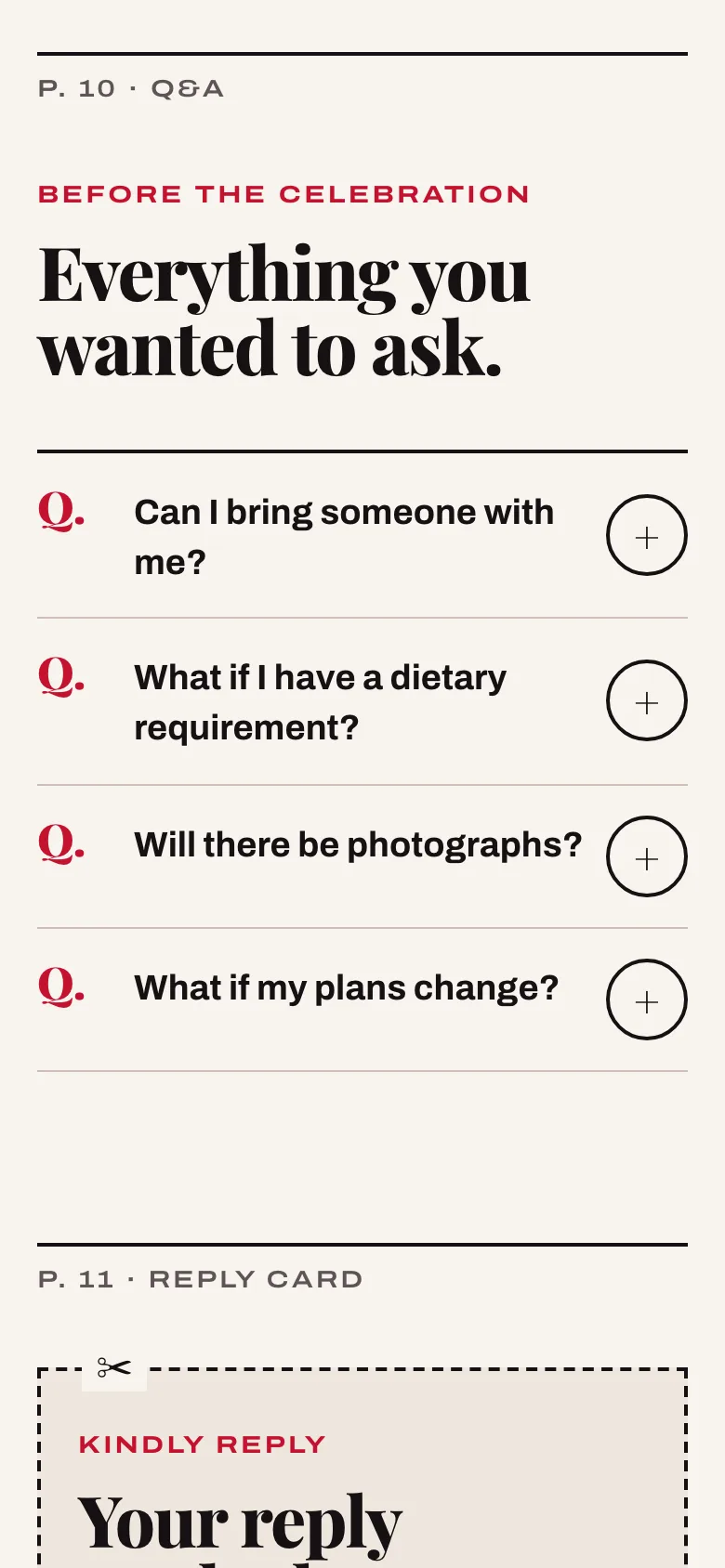
How the magazine works
- Each section is a magazine page: Editor’s letter, The look, Q&A, Reply card
- Page numbers are CSS counters, so they stay right in any order
- Long names get one of four size tiers, so they wrap instead of shrinking
- Type sizes follow the container, not the screen
- Playfair Display, with Archivo’s width axis for the stretched small headings
D: Jardin: the garden
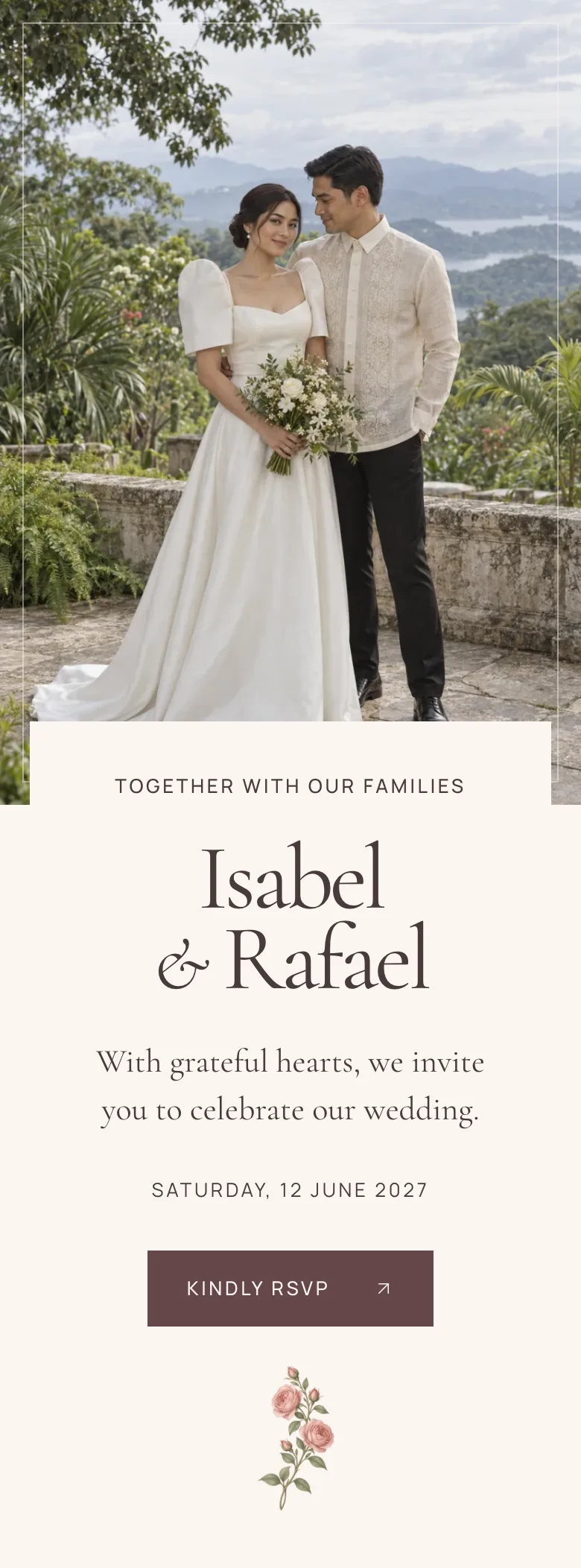
What makes it Jardin
- Botanical and romantic, built from the shared section components
- A monogram header, and a skip link to the RSVP for keyboard users
- Cormorant Garamond with its italics, set with Manrope
- Three palettes, Oliva, Rosée and Azur, each with three artworks
E: Étoile: the night sky
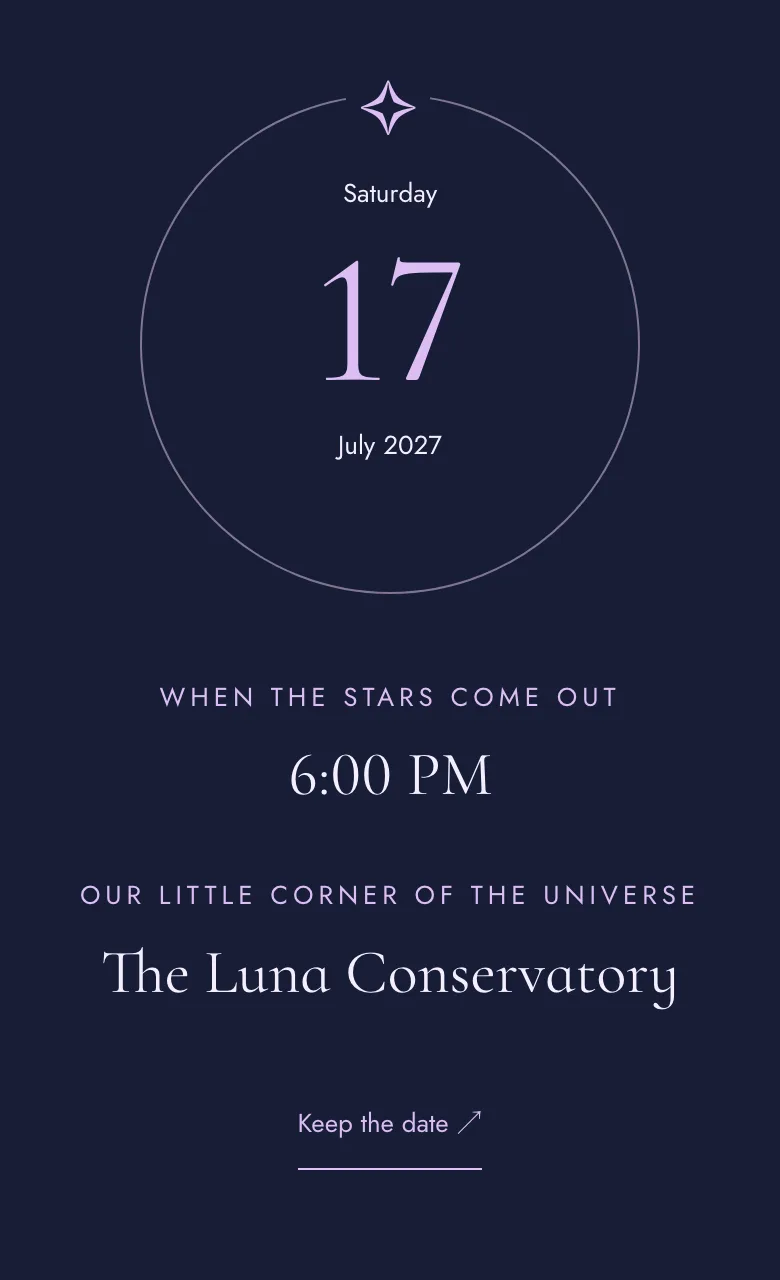
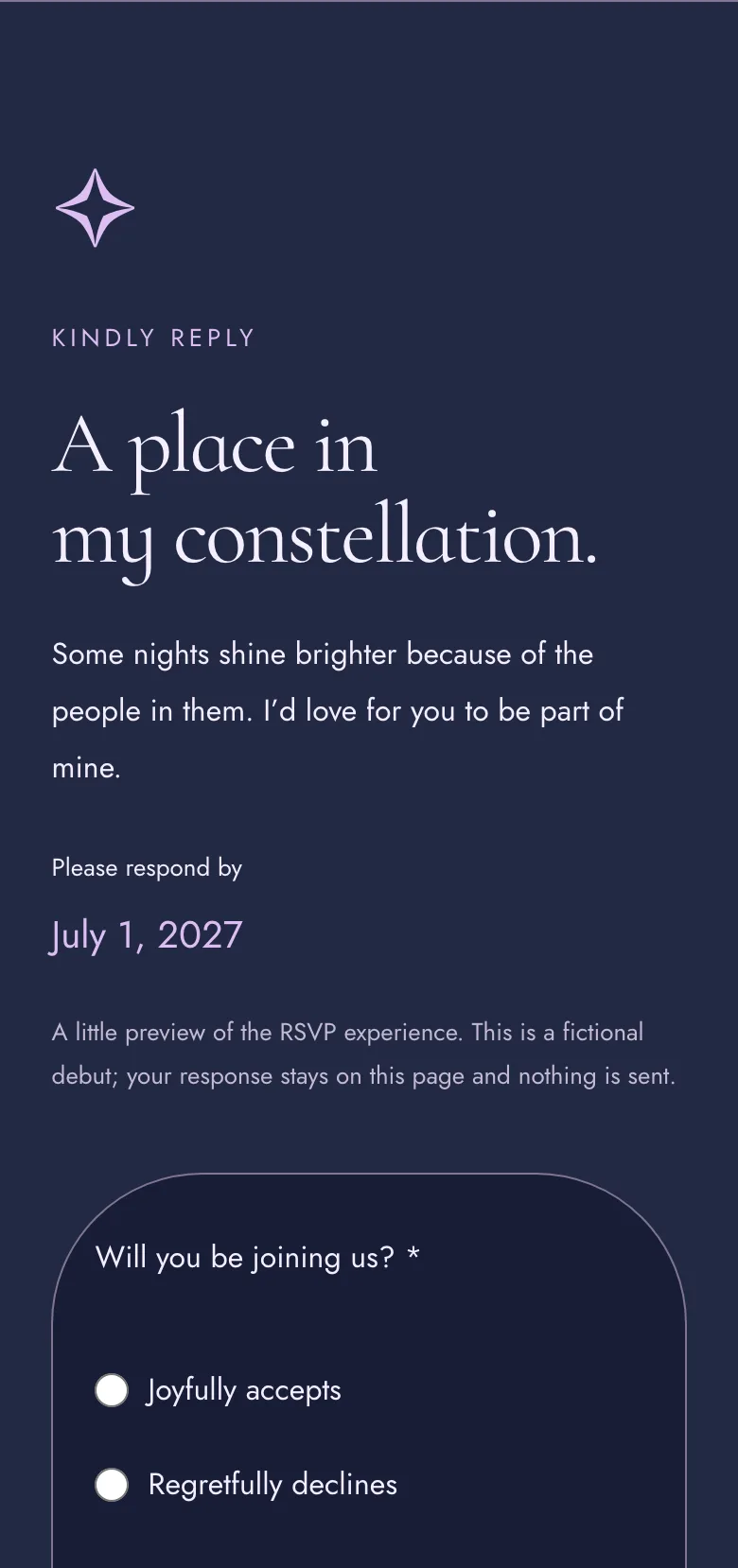
What makes it Étoile
- Celestial: the age as a large motif, the date as an orbit
- The story section opens with “A little of my universe”
- The other sections use the shared debut layouts, styled for Étoile
- Cormorant Infant with Jost; palettes Minuit, Brume and Aurore
F: A guest’s RSVP
- GuestThe guest opens the link on their phone. No app, no account.
- GuestThey read the details: the date and time, the venue, directions and a calendar link.
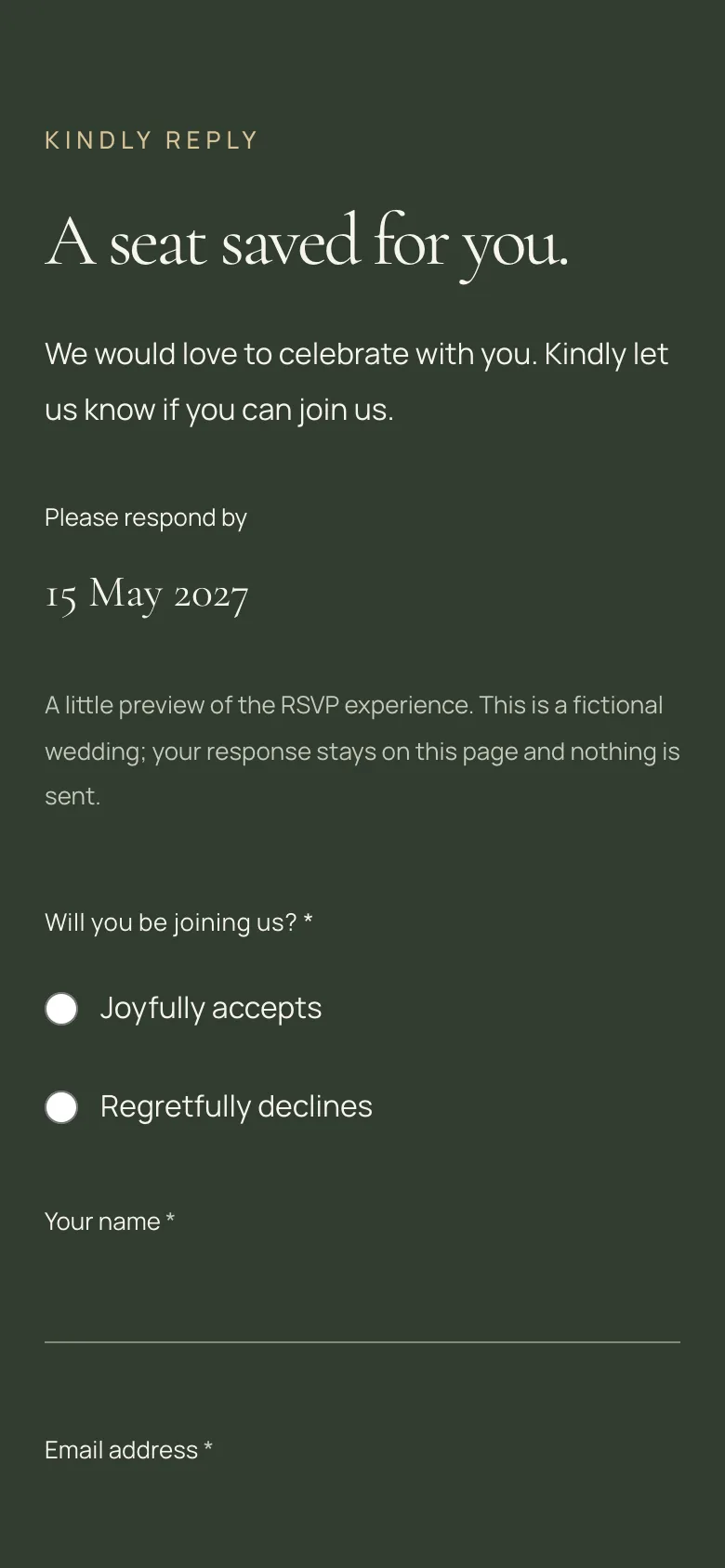
- GuestThey answer attending or declining, then give their name, party size and any dietary needs.
- InvitaInvita checks the reply and saves it once, even if the send is retried.
- HostThe reply appears in the host panel: who’s coming, the headcount, dietary needs and notes.
One link, one form, no sign-in. Every reply lands with the host.
Invita
Invita checks the reply and saves it once, even if the send is retried.
The confirmation. Behind it: a same-site check, a bot trap, a rate limit, then one transactional write.
Host
The reply appears in the host panel: who’s coming, the headcount, dietary needs and notes.
G: What it does today
Everything below runs in production. The host panel is a deliberately plain MVP. Open a group to see it.
For guests
- One link per invitation, opened on a phone with no app and no account
- Event details with the date, time and time zone, venue, directions and add to calendar
- Up to nine optional sections: story, program, venue and travel, entourage, dress code, gallery, gifts, FAQ, closing
- A photo gallery you can step through with the arrow keys; focus returns where it was
- A gift registry in its own pop-up
- A keyboard skip link to the RSVP, 44 px tap targets, and reduced motion respected
RSVP
- Attending or declining, then name, email, party size, dietary needs and a message
- Party size capped by the host, from 1 to 20 guests per reply
- A deadline enforced in the event’s own time zone
- A retried send never creates a second reply
- A bot trap, rate limits and a same-site check on every reply
- On an error, focus moves to the first field that needs fixing
Themes
- 11 designed themes: five for weddings, six for debuts
- Three palettes per theme, and three artworks for each palette, matched to both
- Each theme brings its own layouts, fonts and art; hosts edit content, not CSS
- Twelve section types shared by every theme: hero first, event details and RSVP always in
- Each theme loads only its own fonts and styles
Photos
- Uploaded straight from the browser to private Cloudflare R2 storage, through short-lived signed links
- Orientation fixed, colors converted to sRGB, and EXIF and location data stripped
- WebP copies in four sizes, up to 2,560 pixels on the long edge, never upscaled
- A required alt text field and a crop focus for every photo
- Up to 20 MB a photo and 60 photos an event; unused uploads cleaned up daily
Host panel (MVP)
- Google sign-in for accounts I set up
- A list of events with RSVP totals; create a wedding or a debut
- An editor with a live preview: every field, the palette and artwork, section order and visibility
- Drag-and-drop section order that also works from the keyboard
- Saving in three stages: on the device, a cloud draft that catches conflicting edits, then publish
- A link to copy or share, and a read-only table of every RSVP
Under the hood
Guest pages are rendered on the server from a published snapshot that never changes, then cached, and refreshed the moment a host republishes. Only the menu, the reveals, the RSVP form and the pop-ups are interactive. Published pages use a small built-in animation instead of GSAP, and each theme ships only its own fonts and styles.
The browser never touches the database. Its rules deny every client read and write, so every host request goes through a server route that checks the sign-in and the role. Guests need no account: the invitation’s random token is the key, and every reply is checked before one transactional write.
H: By the numbers
- 11designed themes, for weddings and debuts
- 33curated palettes, three for every theme
- Under 1 sopening image on desktop, sample invitations (note 1)
- 12section types, shared by every theme
Where it stands
“Built for one real celebration first.”
My daughter’s invitation did its job. Invita is live today, and in active development.
Host sign-in is closed: I set up each host account myself, and there’s no public sign-up.
Still doing something by hand?
Work with me
Tell me what you’re building and where it stands. I take on new products, rebuilds and long-term support. I’ll reply by email.
Next in Work